GB.10
OPERATION
On and off
Press 8 briefly to switch on your audio
system.
The audio system can be used with the
vehicle ignition off. It will operate for
20 minutes. Press 8 to have it work for
an additional 20 minutes.
Switch off the audio system by press-
ing 8 briefly.
CHOOSING THE SOURCE
Scroll through the various audio sources
by pressing 11 repeatedly. The audio
sources scroll in the following order:
“CD drive”/”MP3 CD” → “iPod®"/"USB”
→ “AUX” (Jack socket) → “BT Audio”.
Note: press 10 to display the telephone
menu.
When you insert a new medium (CD/
CD MP3, USB, AUX) while the radio is
on, the source will switch automatically
and begin to play.
You may also select the radio source by
pressing key 12. Press 12 repeatedly to
scroll through the wavebands in the fol-
lowing order: FM1 → FM2 → DR1 →
DR2 → AM → FM1…
You can use the steering column con-
trol to change the audio source by
pressing 11.
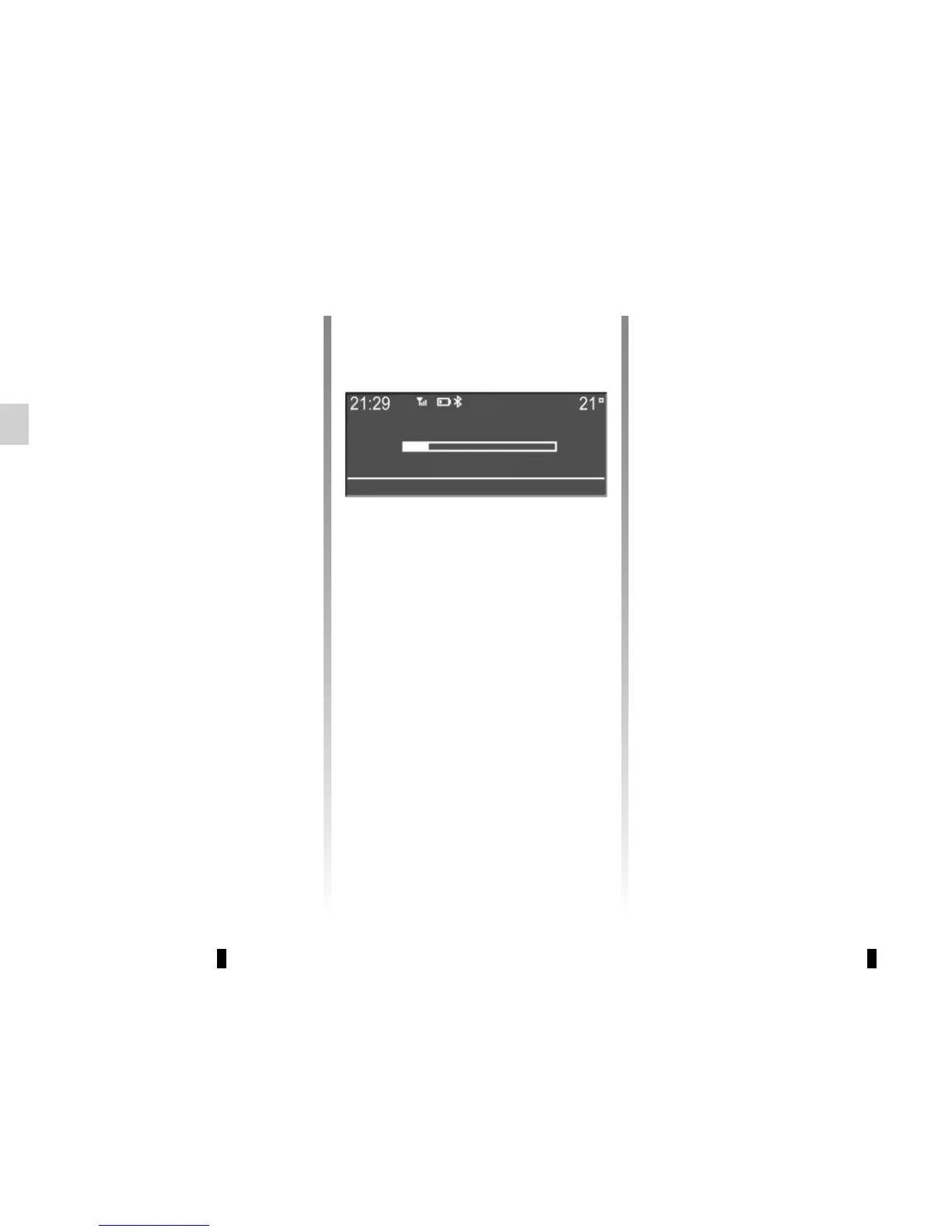
VOLUME
Adjust the volume by turning 7, or
by pressing 13 or 15 on the steer-
ing column control. The display reads
“VOLUME” followed by the current set-
ting value (from 00 to 31).
Mute
Briefly press 14 on the steering column
control, the message “MUTE” is dis-
played on the screen.
Briefly press 14 on the steering column
control again to resume playing the cur-
rent source.
You can also deactivate the mute func-
tion by turning 7 or by pressing one of
the buttons 13 or 15 on the steering
column control.
VOL:05



 To Next Page