GB.22
YES
Isabelle_phone?
NO
Delete device
PAIRING AND UNPAIRING A TELEPHONE (3/3)
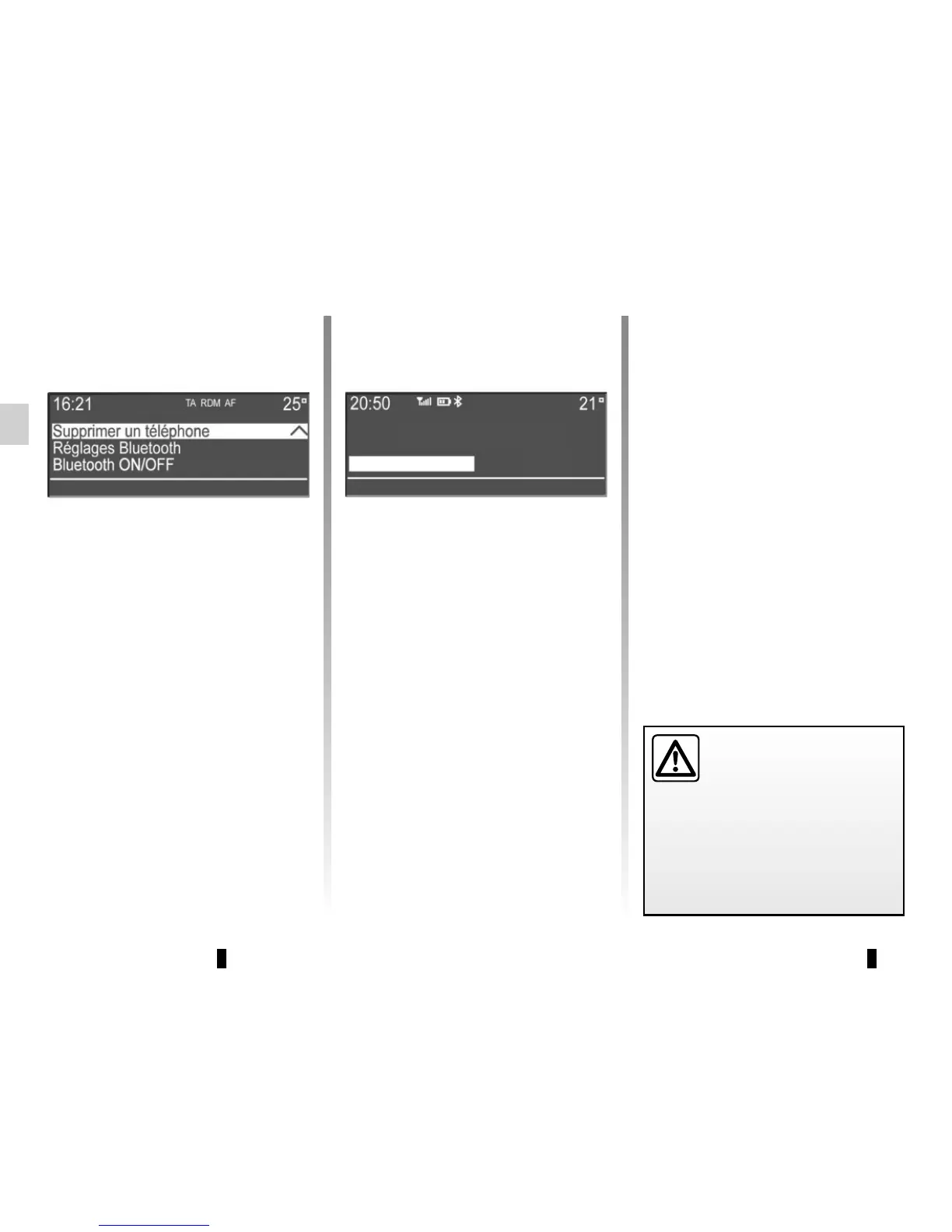
– select from the list the phone that you
wish to unpair using the buttons 4 or
the control knob 16 on the steering
column control, then press 5 or 17 to
confirm;
– select «Yes», then press 5 or 17 to
confirm.
Note: unpairing a phone erases all the
contacts from the mobile phonebook
downloaded to the audio system, as
well as the associated call history.
Your hands-free phone
system is only intended to
facilitate communication by
reducing the risk factors,
without removing them completely.
You must always comply with the
laws of the country in which you are
travelling.
Unpairing a phone
Unpairing deletes a phone from the
hands-free phone system memory.
– Display the phone settings menu by
pressing 10;
– select «Delete a telephone» using
the buttons 4 or the control knob 16
on the steering column control, then
press button 5 or 17 to confirm;



 To Next Page