GB.30
SYSTEM SETTINGS (1/5)
You can change the value of each set-
ting using the buttons 4.
Press 5 to confirm and return to the pre-
vious selection.
To exit the current menu, press 2.
“AUX In”
Display the settings menu by press-
ing 1. Select “Audio settings”, then
press 5 to confirm. Using the buttons 4,
select the “AUX In” item to access the
following options:
– “Low”;
– “Medium”;
– “High”.
The values for each setting are as fol-
lows:
– “Low” (1200 mV);
– “Medium” (600 mV);
– “High” (300 mV).
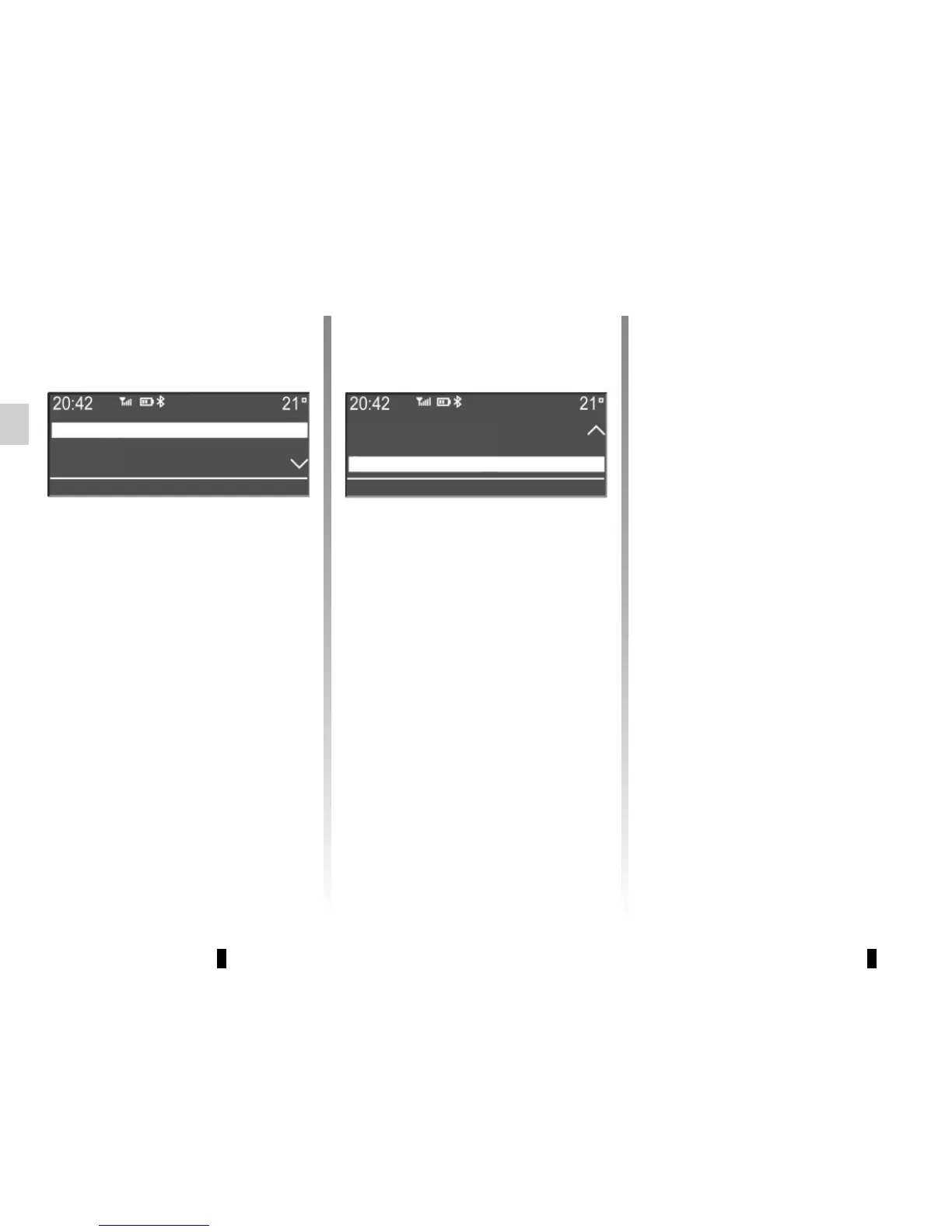
“Audio settings”
Display the settings menu by press-
ing 1. Select “Audio Settings” using the
buttons 4, then press 5 to confirm. The
available settings are:
– “Equaliser”;
– “Spatialisation”;
– “AUX In”;
– “Volume sensitive to speed”;
– “Bass Boost”;
– “Audio Default”.
“Equaliser”
Select “Equaliser”, then press 5 to
access the different items in the follow-
ing order:
– “Bass”;
– “Medium”;
– “Treble”.
“Spatialisation”
– “Balance” (left/right sound distribu-
tion);
– “Fade” (front/rear sound distribu-
tion).
Equaliser
Spatialisation
AUX In
Volume sensitive to speed;
Bass Boost
Audio Default



 To Next Page