GB.31
SYSTEM SETTINGS (2/5)
“Audio Default”
Display the settings menu by pressing
button 1. Select “Audio settings” using
the buttons 4, press 5 to display the set-
tings menu, then select “Audio Default”.
Confirm your selection by pressing 5.
All the audio settings return to their de-
fault values.
For safety reasons, carry
out any adjustments when
the vehicle is stationary.
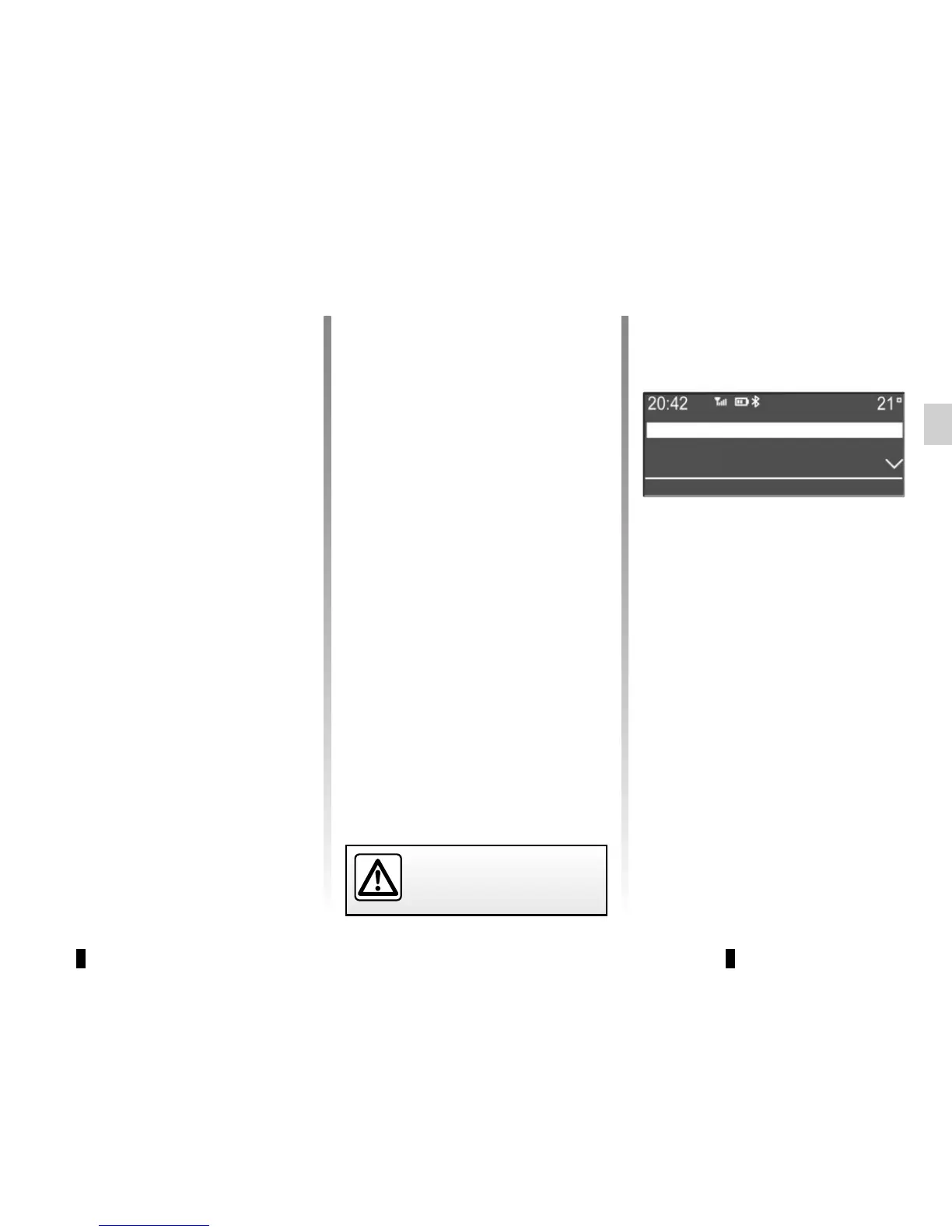
Radio settings
The available settings are:
– “TA” (traffic information);
– “DR alerts” (news bulletins);
– “Updating the FM Radio List”;
– “Updating the DR List”.
TA
DR alerts
Updating FM List
“Volume sensitive to speed”
The volume of the audio system varies
in relation to the vehicle speed.
Go to the “Audio settings” menu then
confirm “Volume km/h” by pressing 5.
Adjust the volume/speed ratio using the
buttons 4, then confirm by pressing 5 to
obtain the desired ratio.
“Bass Boost”
The “Bass Boost” function increases
the bass levels.
To activate/deactivate this function,
select “ON” or “OFF” using the but-
tons 4, then press 5 to confirm.



 To Next Page