GB.33
Selecting a language
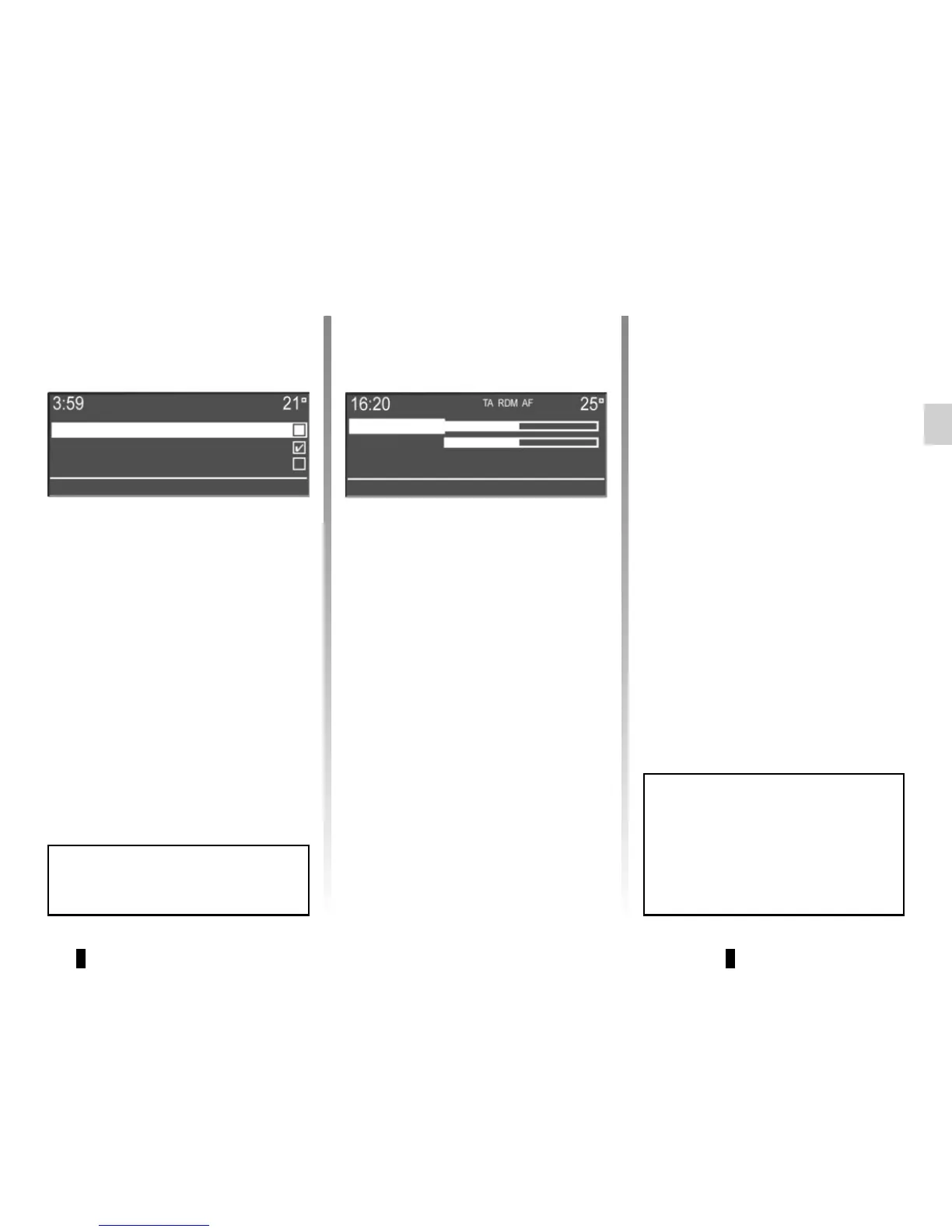
This function allows you to change the
language used in the audio system.
Access the “Language” item on the set-
tings menu by pressing button 1, select
the language required using the but-
tons 4, then press 5 to confirm.
To set the ringtone or call volume by
Bluetooth®, select “Volume” using the
buttons 4, then press 5 to confirm.
A new sub-menu appears:
– “Ring”;
– “Call”.
Select one of the two items using the
buttons 4, then press 5 to confirm.
Press 4, to raise or lower the volume,
then press 5 to confirm.
“Bluetooth settings”
Access the phone menu by press-
ing button 10, select the “Bluetooth
Settings” item using the buttons 4, then
press 5 to confirm.
The available settings are:
– “Volume”: adjustment of the call or
ringtone volume;
– “Ringtone”: activation of the vehicle’s
ringtone or of that transferred from
the phone.
A short press on 2 or pressing and
holding 17 allows you to return to
the previous menu.
SYSTEM SETTINGS (4/5)
Čeština
Dansk
Deutsch
Volume
Ringtone
Depending on the brand and model
of your telephone, the hands-free
functions may be partially or fully in-
compatible with your vehicle’s audio
system.



 To Next Page