GB.34
Note: when a phone is paired to the
audio system, a new item appears in
the menu: “Bluetooth settings”:
– “PB download”: updating of the
phonebook of the phone paired to
the audio system (e.g., addition of
new contacts not yet in the system).
To update the phonebook on the audio
system, access the “Bluetooth Settings”
menu by pressing 10, select “PB down-
load” using the buttons 4 or the control
knob 16 on the steering column control,
then press 5 or 17 to confirm.
For safety reasons, carry
out any adjustments when
the vehicle is stationary.
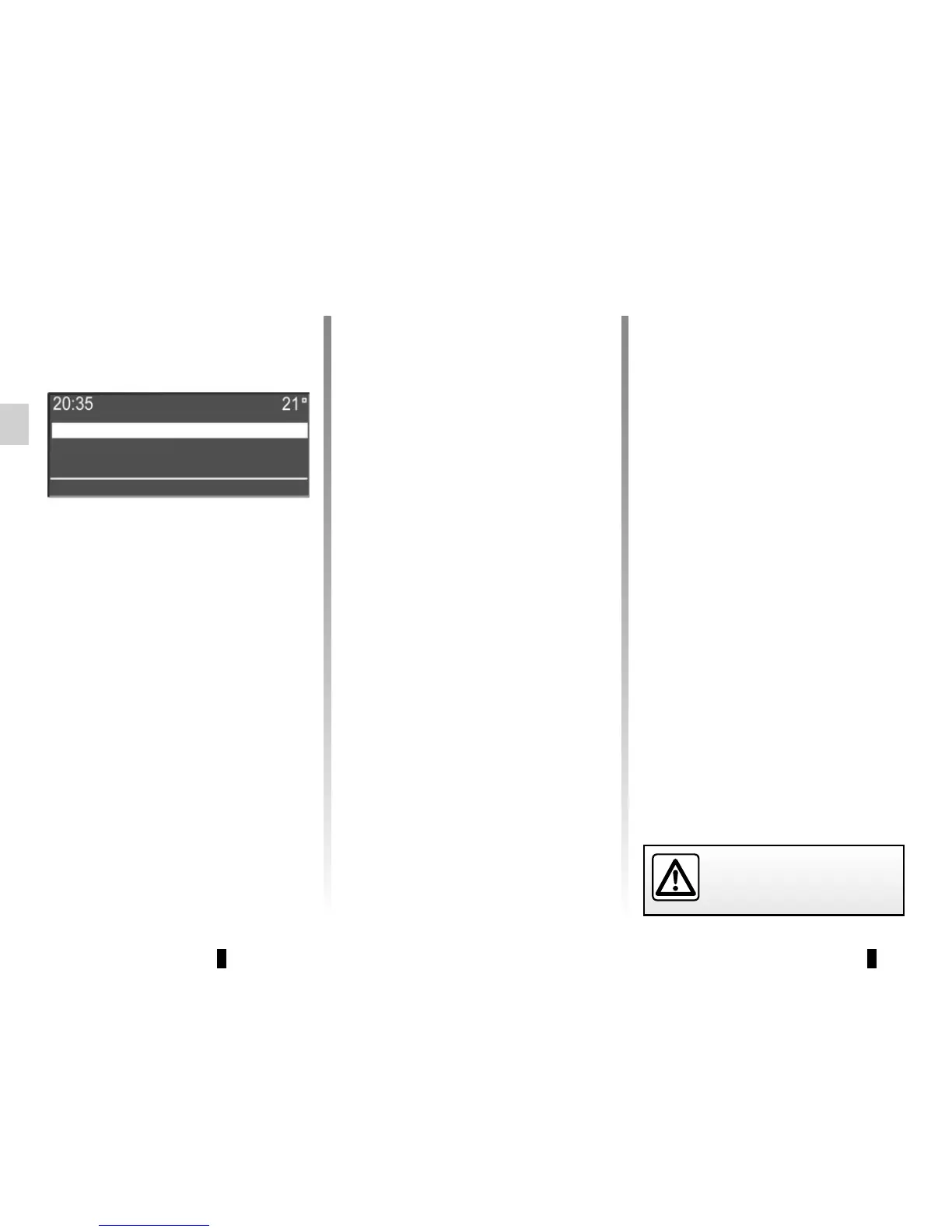
SYSTEM SETTINGS (5/5)
Volume
Ringtone
PB download
Display of radio texts
Display the radio text menu by press-
ing 3. The audio system displays “avail-
able” on the screen.
The radio texts display may contain a
maximum of 64 characters.
Note: if the current radio station cannot
display radio text, the audio system
screen displays “No Radio Text”.
To activate the ringtone on the vehicle
or the telephone by Bluetooth®, select
“Ringtone” using the buttons 4 or the
control knob 16 on the steering column
control, then press 5 or 17 to confirm.
A new sub-menu appears:
– “Vehicle”;
– “Phone”;
– “PB download”.
Select one of the items to be acti-
vated using the buttons 4 or the control
knob 16 on the steering column control,
then press 5 or 17 to confirm.



 To Next Page