GB.16
LISTENING TO A CD/CDMP3 (2/2)
Shuffle (“RDM”)
Once a CD/CD MP3 is inserted, press
button “2” on the keypad 6 to turn on
the shuffle function for all the tracks on
the CD/CD MP3.
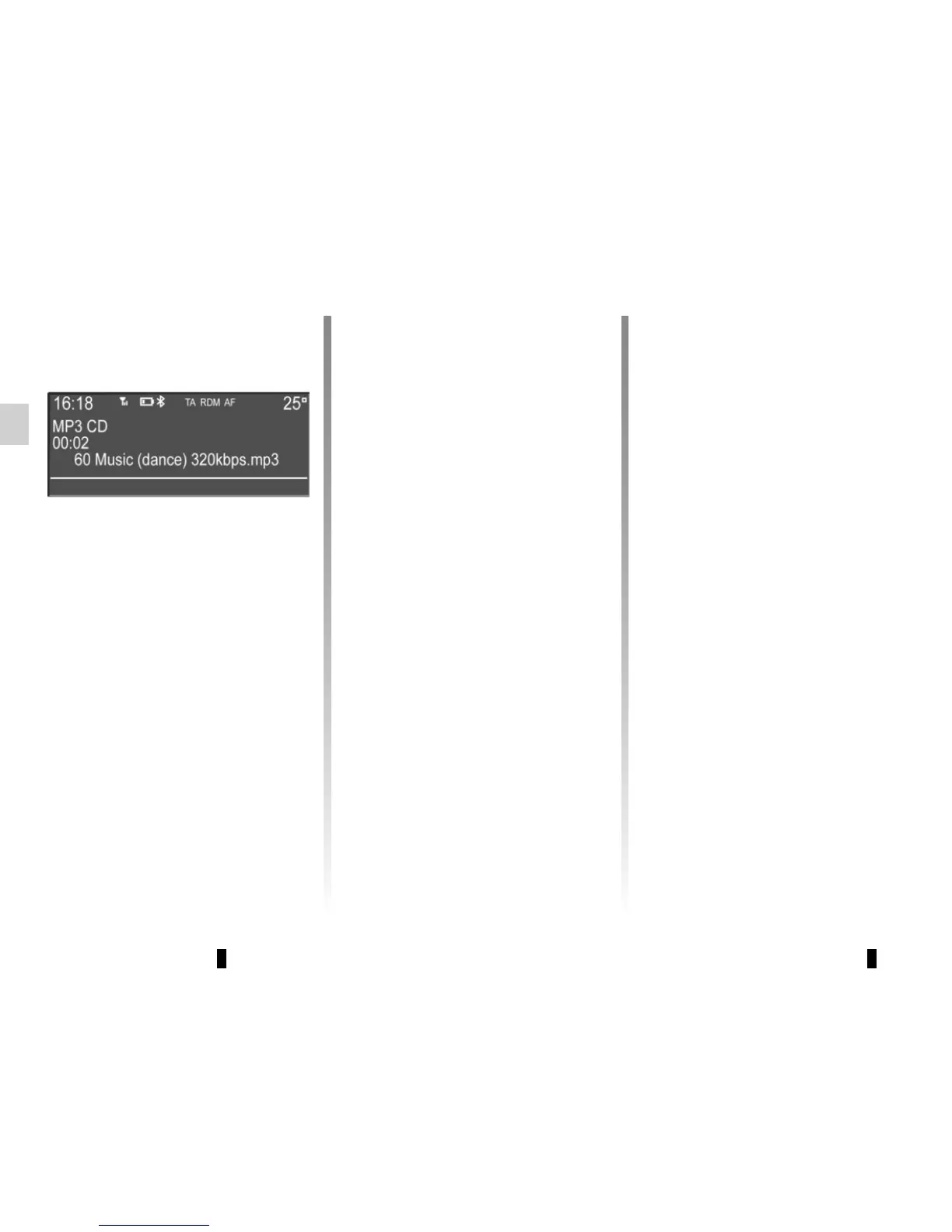
The symbol “RDM” appears on the
screen. A track is then selected at
random. The transition from one track
to another takes place randomly.
Press button “2” again on the keypad 6
to turn the shuffle function off; the
symbol “RDM” goes out.
Turning off the audio system and eject-
ing the CD/CD MP3 deactivates the
shuffle function.
Note: on a CD MP3, random play runs
on the folder currently being played.
Change folder to run random playback
on another folder.
Repeat (“RPT”)
This feature allows you to repeat a
track.
Press button “1” on the keypad 6 to ac-
tivate the repeat function.
The symbol “RPT” appears on the
screen.
Press button “1” again on the keypad 6
to turn off the repeat function; the
symbol “RPT” goes out.
Note: if the shuffle function is activated,
enabling the repeat function will deac-
tivate it; the symbol “RDM” will go out.
Pause
Press 14 to temporarily suspend the
volume or the playback of the external
audio source.
This function is automatically deacti-
vated if you change the volume, change
the program source or if an automatic
newscast comes on.
Display text (CD-Text or ID3
tag)
Press 3 to scroll through the ID3 tag
information (artist name, album name,
elapsed time, track name).
To display all the ID3 tag information on
a single page, press and hold 3.
Ejecting a CD/CD MP3
Eject a CD/CD MP3 from the remote
CD player by pressing the eject button.
Note: if an ejected disc is not removed
within 20 seconds, it will automatically
be reinserted into the CD player.



 To Next Page