GB.19
EXTERNAL AUDIO SOURCES (3/3)
Press 14 to pause the audio track
(pressing again resumes the playback).
Press 9 to go to the previous or next
track on the portable audio player.
Note: the number of accessible func-
tions varies depending on the type of
portable audio player and its compat-
ibility with the audio system.
Note: in some cases, you will need to
refer to your device’s manual to finalise
the connection procedure.
Shuffle (“RDM”)
Once your Bluetooth® device is con-
nected, press button “2” on the
keypad 6 to turn on the shuffle function
for all the tracks in the folder.
The symbol “RDM” appears on the
screen. A track is then selected at
random. The transition from one track
to another takes place randomly.
Press button “2” again on the keypad 6
to turn the shuffle function off; the
symbol “RDM” goes out.
Tracks
Albums
Genres
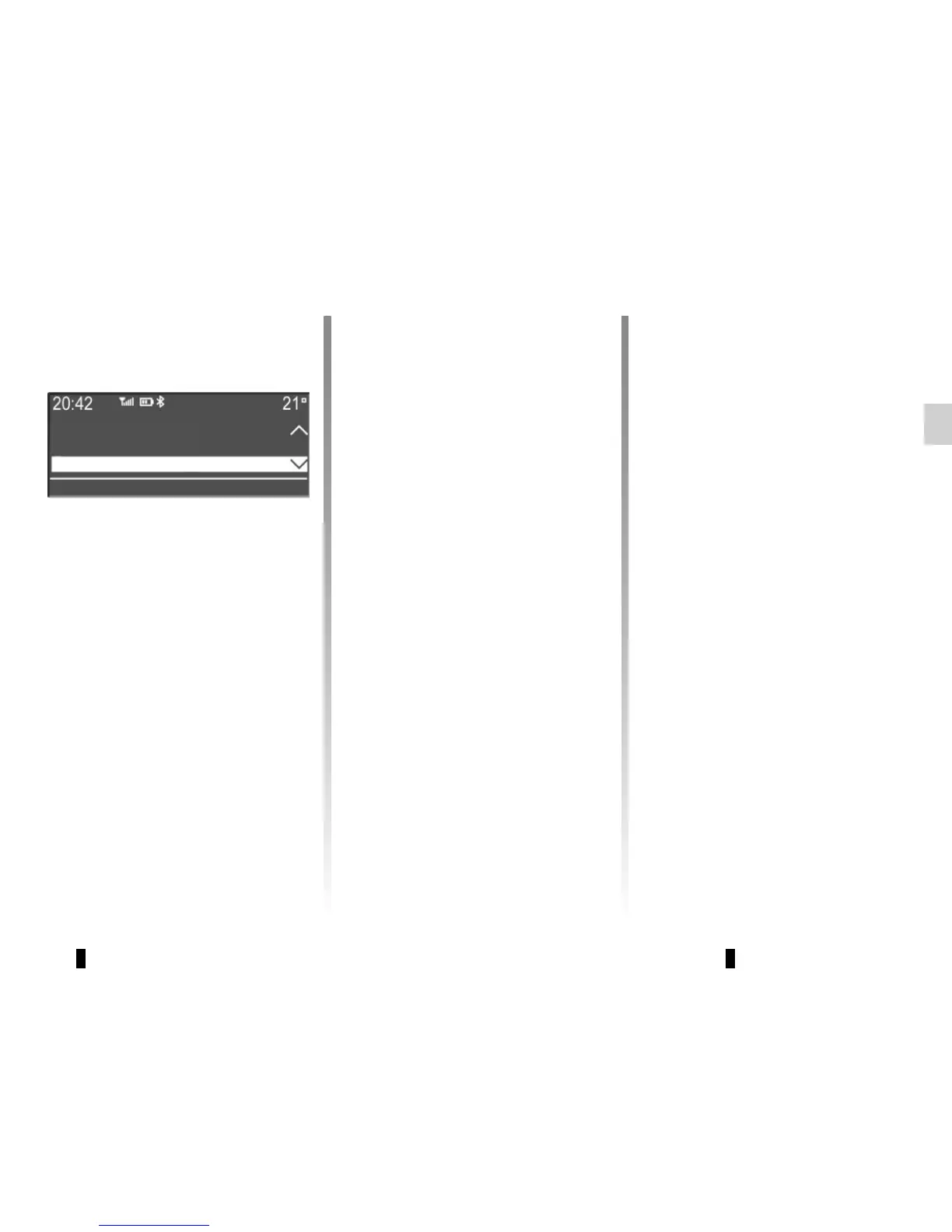
Press one of the buttons 4, 5 or 17
during the playback of an audio track
to display the various ways to select
the tracks (“Artists”, “Tracks”, “Albums”,
etc.).
Note: the display varies depending on
the make and model of telephone con-
nected.
You can search by track name in the
folder currently being played by press-
ing 5 or 17, then button “6” on the
keypad 6. Select the first letter of the
track that you wish to listen to using the
buttons 4 or the control knob 16 on the
steering column control, then press 5
or 17 to confirm.
Turning off the audio system deacti-
vates the shuffle function.
Note: on a Bluetooth® device con-
nected to the audio system, the shuf-
fle function applies to the folder cur-
rently being played. Change to another
folder to apply the shuffle function to
this latter.
Repeat (“RPT”)
This feature allows you to repeat a
track.
Press button “1” on the keypad 6 to ac-
tivate the repeat function.
The symbol “RPT” appears on the
screen.
Press button “1” again on the keypad 6
to turn off the repeat function; the
symbol “RPT” goes out.
Note: if the shuffle function is activated,
enabling the repeat function will deac-
tivate it; the symbol “RDM” will go out.



 To Next Page