GB.24
CONNECTING, DISCONNECTING A TELEPHONE (2/3)
Connection failure
If connection fails, check that:
– your phone is switched on;
– your telephone battery is not flat;
– your phone has already been paired
to the hands-free phone system;
– the Bluetooth® on your phone and
on the system are active;
– the phone is configured to accept the
audio system’s connection request.
Note: using your hands-free phone
system for prolonged periods will dis-
charge your phone’s battery more
quickly.
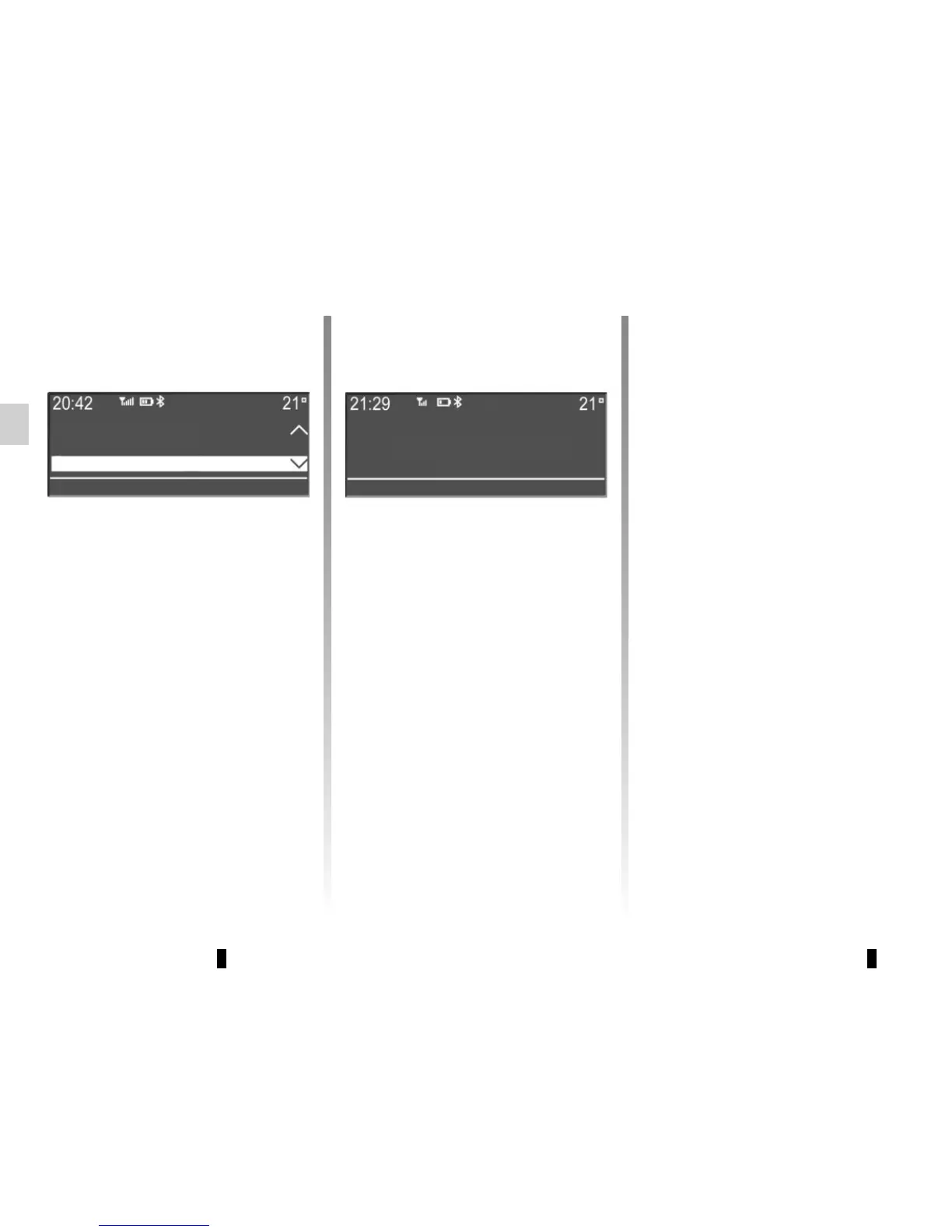
A message informs you that the phone
is connected.
Note: if a telephone is already con-
nected, when changing phones on the
list of phones already paired the exist-
ing connection is replaced automati-
cally with that of the new phone re-
quested.
Manual connection (changing the
phone connected)
Display the phone settings menu by
pressing 10, select the “Select a tele-
phone” menu using the buttons 4 or the
control knob 16 on the steering column
control, then press 5 or 17 to confirm.
The list of phones already paired is dis-
played.
Select the telephone that you wish to
connect from the list using the but-
tons 4 or the control knob 16 on the
steering column control, then press 5
or 17 to confirm.
Pairing a phone
Selecting a telephone
Making the radio visible
JP_iPhone
connected



 To Next Page