GB.27
20
MAKING, RECEIVING A CALL (2/4)
Call List
Contacts list
Dial
– select the contact or the number to
call using the buttons 4 or the control
knob 16 on the steering column con-
trol, then confirm by pressing 5 or 17
to make the call.
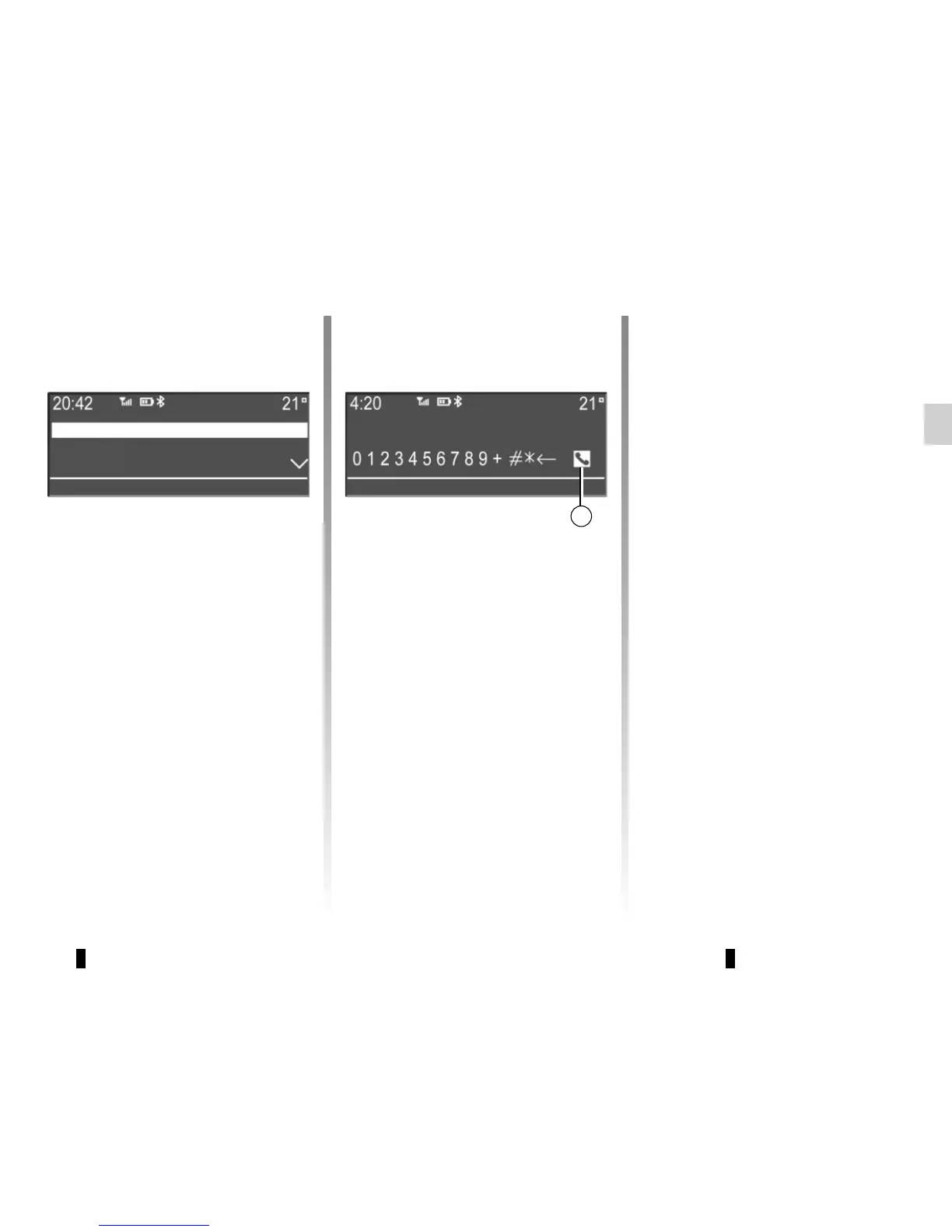
Making a call by dialling a
number
To make a call by dialling the number:
– press 10;
– select “Dial” using the buttons 4 or
the control knob 16 on the steering
column control;
Call a contact from your call
log history
To display the call history:
– press 10;
– select “Call List” using the buttons 4
or the control knob 16 on the steer-
ing column control;
– confirm the selection by pressing 5
or 17;
– select the “Dialed”, “Received” or
“Missed” menu;
– confirm each digit by pressing 5
or 17;
– once the complete number has been
entered, select 20 using the but-
tons 4 or the control knob 16 on the
steering column control, then press 5
or 17 to make the call.
You can redial the last number dialled
by pressing and holding 10.



 To Next Page