Bluetooth® ............................................(up to the end of the DU)
Bluetooth connection .............................................(current page)
Bluetooth® portable audio player .........(up to the end of the DU)
Bluetooth® portable audio player
pairing ..............................................................(current page)
mobile
See portable audio player ...............(up to the end of the DU)
GB.24
ENG_UD11825_2
R2-Baladeur numérique Bluetooth (XNX - Renault)ENG_NX_843-4_TTY_Renault_1
– depending on the type of portable
audio player:
– enter your chosen code on your
portable audio player, then on
your audio system;
– or carry out the operation in the
reverse order.
– a message is displayed on the audio
system screen to confirm that your
portable audio player has been
paired.
Bluetooth® portable audio player
BLUETOOTH® PORTABLE AUDIO PLAYER (1/3)
Pairing a Bluetooth® portable
audio player
To use your Bluetooth® portable audio
player, you must pair it to the vehicle
the first time you use it.
Pairing allows the audio system to
recognise and store a portable audio
player.
Up to 5 portable audio players may be
stored by the audio system, however
only one may be connected at a time.
The audio system and your portable
audio player must be switched on.
Note: if your Bluetooth® digital device
has telephone and portable audio player
functions, pairing one of these functions
will automatically pair the other.
To pair a Bluetooth® portable audio
player, proceed as follows:
– activate the audio player’s Bluetooth®
connection (refer to the manual for
your audio player);
– display the settings menu by press
-
ing
9 then select the “Bluetooth con-
nection” menu.
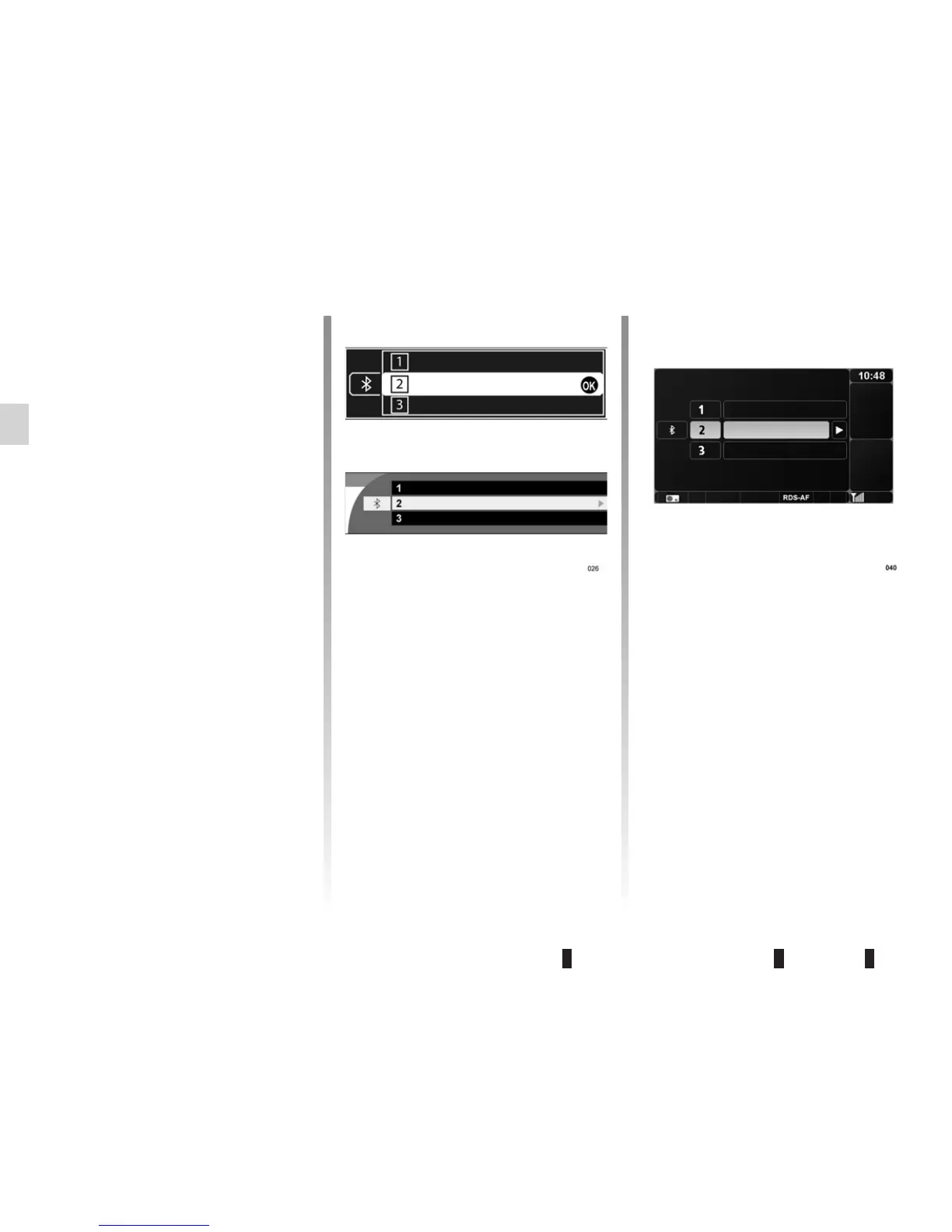
– select an “(Empty)” location by turn-
ing
5, 20 or 23;
– press
4, 5 or 21, then select “Pair
audio device” by turning and press-
ing
5 or 20;
– run a search for Bluetooth® equip
-
ment from your audio player, then
select “My_Radiosat” from the list of
suggested devices. If your portable
audio player does not have a screen,
enter its pairing code in the audio
system (refer to your portable audio
player’s manual for the pairing code,
which is usually “0000”);
(Empty)
(Empty)
(Empty)
(Empty)
(Empty)
(Empty)
(Empty)
(Empty)
(Empty)



 To Next Page