voice marker ..........................................................(current page)
contacts list ...........................................(up to the end of the DU)
vehicle list .............................................(up to the end of the DU)
contacts ................................................(up to the end of the DU)
GB.33
ENG_UD13221_3
R2-Gérer le répertoire du véhicule (XNX - Renault)ENG_NX_843-4_TTY_Renault_1
Managing the vehicle phonebook
MANAGING THE VEHICLE PHONEBOOK (1/4)
Displaying the vehicle
phonebook
Display the “Phone” menu by press-
ing
6 or 14. Either select “Directory
Management, then “Vehicle phone-
book” or go directly to the “Vehicle
phonebook” menu.
Adding a contact to the
vehicle phonebook
Display the “Phone” menu by press-
ing
6 or 14. Either select “Directory
Management, then “Vehicle phone-
book” or go directly to the “Vehicle
phonebook” menu. Select “Create a
new contact”.
Select “(name)”, then “Enter/change
the name” to create or modify the con-
tact name.
Select “(number)”, then “Enter/change
number” to create or modify the contact
number.
To use the alphabetical and numeri-
cal keypads, refer to the information
on “Using an alphabetical keypad” and
“Using a numerical keypad” in the sec-
tion entitled “Operating principles”.
Create a new contact
List of contacts
Import contact
Create a new contact
List of contacts
Import contact
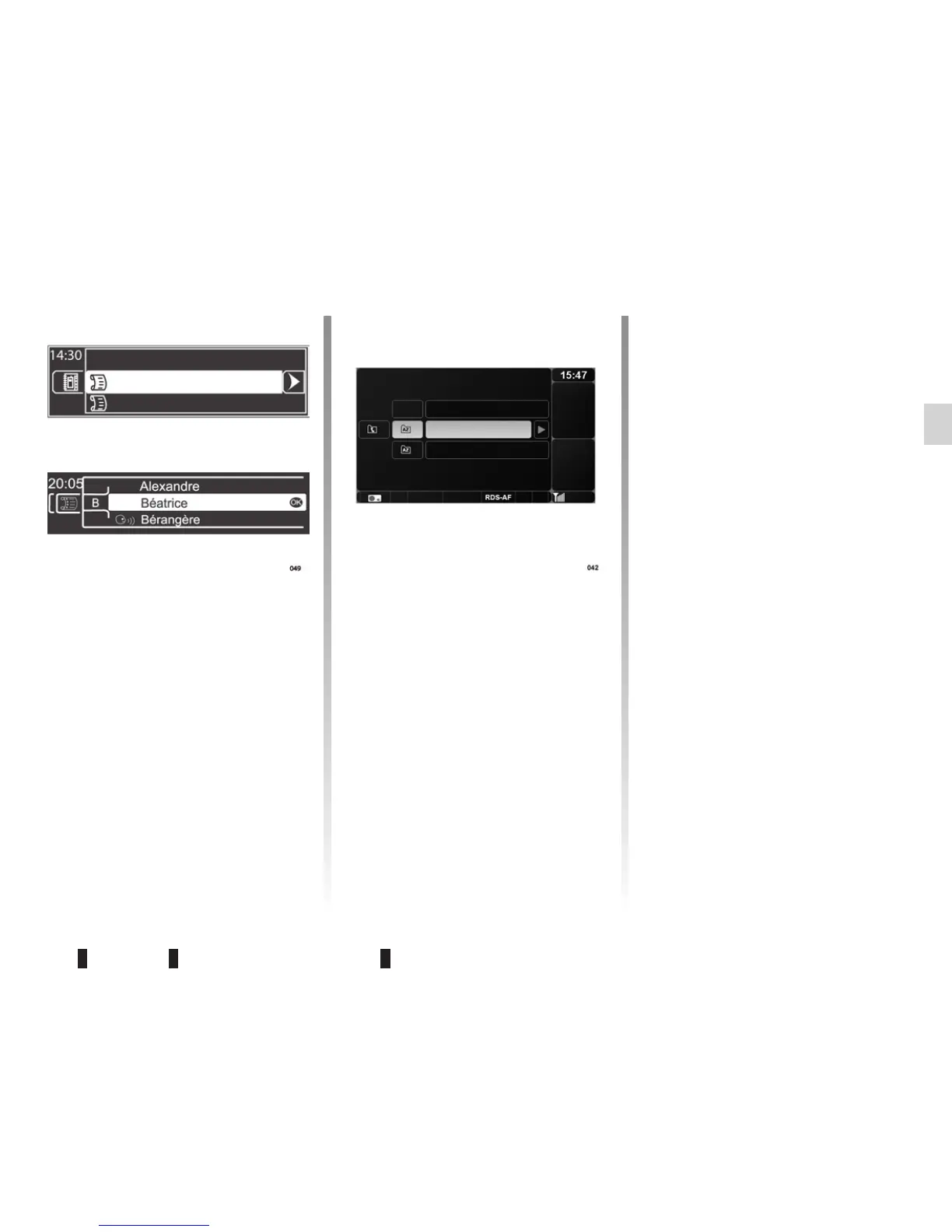
Depending on the vehicle, choose “List
of contacts” to your vehicle phone-
book.
The list of contacts is in alphabetical
order; it is shared by all the vehicle’s
users. A maximum of 40 contacts can
be stored in the vehicle phonebook.
You can store a name, a number and a
voice tag for each contact.



 To Next Page