MANAGING THE VEHICLE PHONEBOOK (2/4)
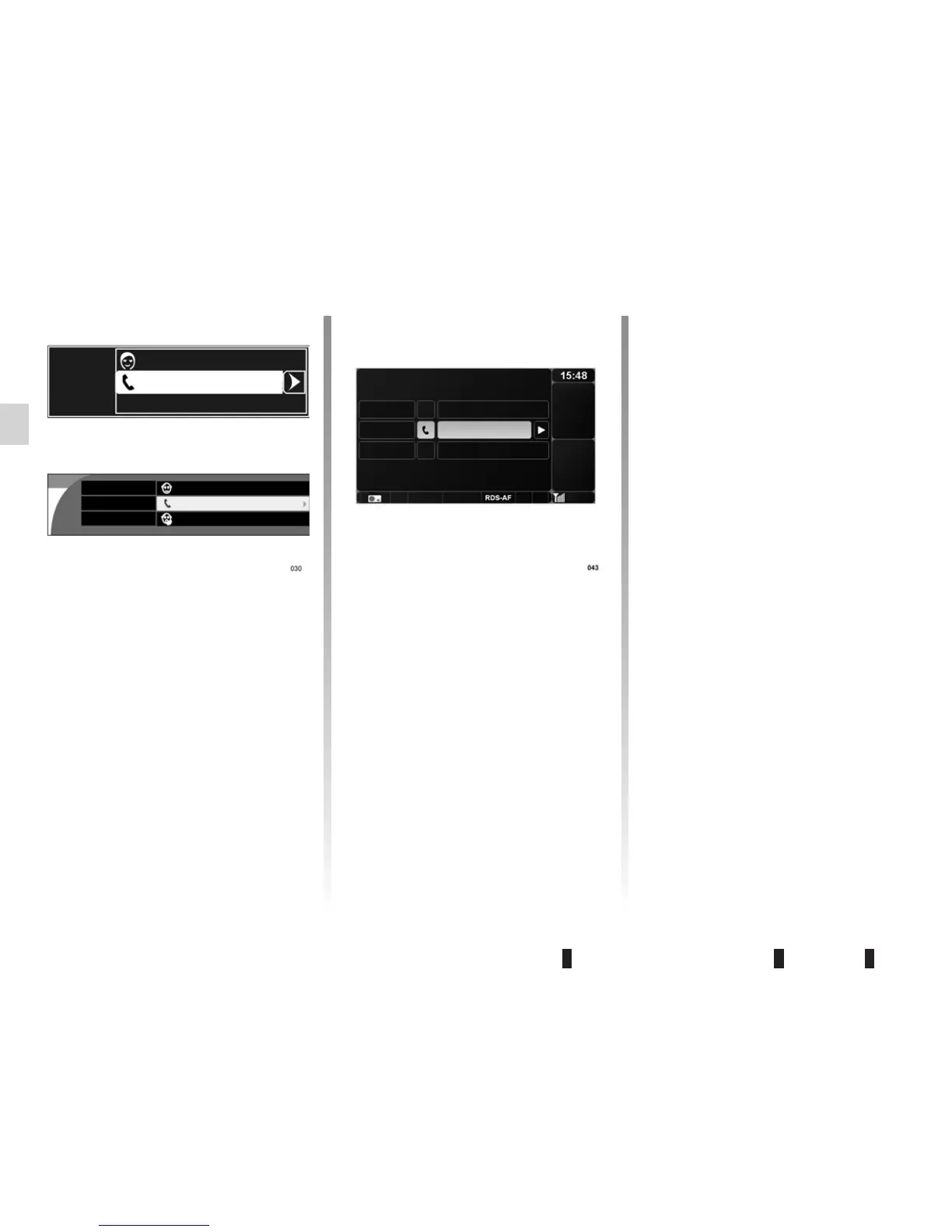
After completing the various headings
(name, number and voice tag), you
can:
– store the contact by selecting
“Memorise”;
– cancel your entry by selecting
“Cancel”;
– delete all information you have en
-
tered by selecting “Delete”.
Importing a contact
You can import a contact into the vehi-
cle phonebook from the mobile phone-
book or the call history list.
Display the “Phone” menu by press-
ing
6 or 14. Either select “Directory
Management, then “Vehicle phone-
book” or go directly to the “Vehicle
phonebook” menu. Select “Import
contact+H74”. Select one of the follow-
ing headings to import your contact:
– “
Mobile phonebook”;
– “
Dialled numbers”;
– “
Received calls”;
– “
Missed calls”.
Select the contact or number to be im-
ported from the list displayed on the
screen.
Select “Memorise” to store the contact
in the vehicle phonebook.
Depending on the vehicle, a message
is displayed on the screen asking if you
wish to modify this contact; select “No”
to store the contact, or “Yes” to modify
it.
You can still delete your entry by select-
ing “Delete name” or “Delete number”.
Depending on the vehicle, select “(voice
tag)” to record a voice tag; refer to the
information on “Using the voice com-
mand function”.
(name)
(number)
(voice tag)
(name)
(number)
(voice tag)
(name)
(number)
(voice tag)
Cancel
Memorise
Delete
Cancel
Memorise
Cancel
Memorise
Delete



 To Next Page