dialling ...................................................................(current page)
dialling a number ...................................................(current page)
emergency call ......................................................(current page)
call history..............................................................(current page)
call .........................................................................(current page)
GB.38
ENG_UD13222_3
R2-Emettre et recevoir un appel (XNX - Renault)ENG_NX_843-4_TTY_Renault_1
MAKING AND RECEIVING A CALL (2/3)
Dialling emergency services
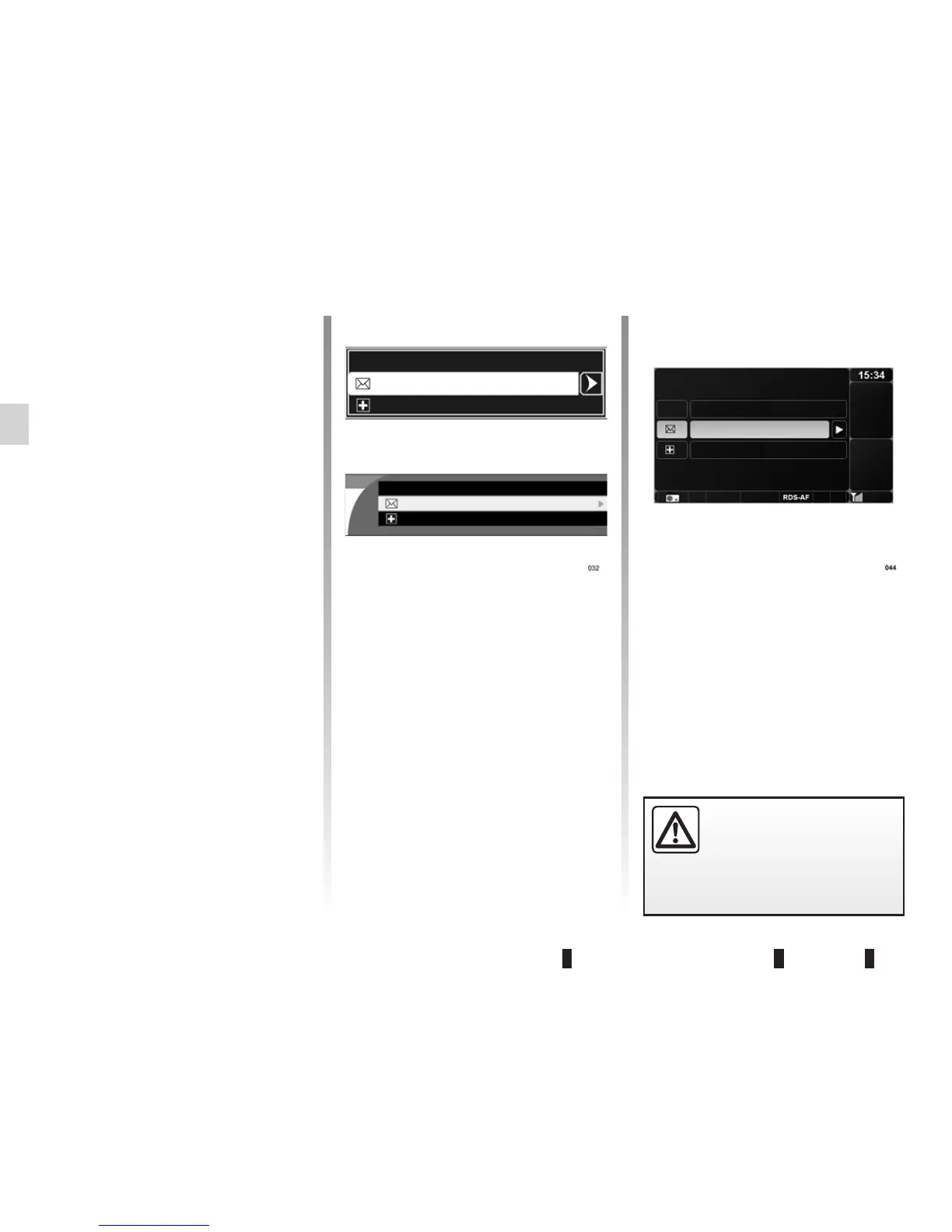
Display the “Phone” menu by pressing 6
or
14. Access the “Emergency” menu
then select “Call” to make the call.
Emergency numbers vary depending on
the country. You can modify the number
by selecting “Enter/change number”.
Making a call by dialling a
number
Display the “Phone” menu by press-
ing
6 or 14 then select the “Dial a
number” menu.
Dial the desired number using the nu-
merical keyboard (refer to the informa-
tion on “Using a numerical keyboard” in
the section entitled “Operating princi-
ples”) and select “Call”.
Calling the voicemail box
Display the “Phone” menu by pressing 6
or
14. Access the “Voicemail box” menu
then select “Call” to make the call.
The voicemail box number varies de-
pending on the service provider. You
can modify the number by selecting
“Enter/change number”.
It is recommended that you
stop your vehicle before en-
tering a number or search-
ing for a contact.
Dial a number
Voicemail box
Emergency
Dial a number
Voicemail box
Emergency
Dial a number
Voicemail box
Emergency



 To Next Page