GB.21
LISTENING TO THE RADIO (5/7)
Radio with display on the
instrument panel
Select a radio band
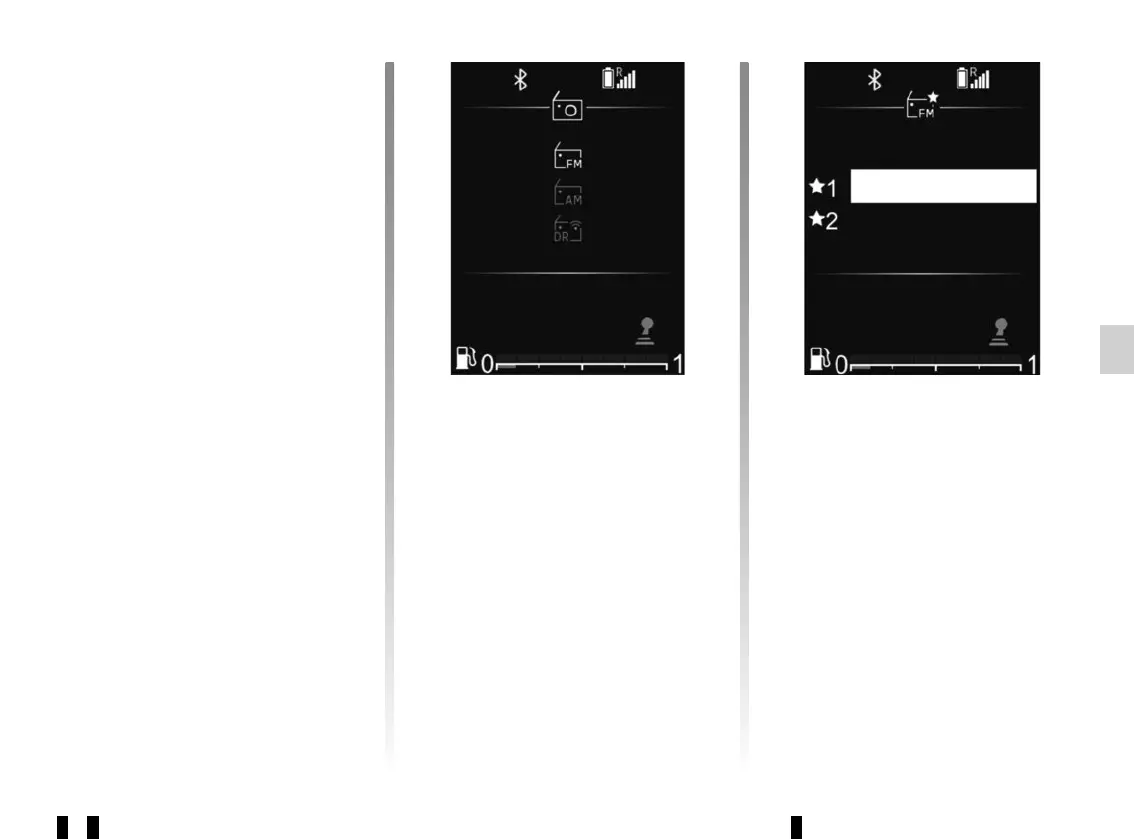
To select the desired band from FM, AM
or DR (terrestrial digital radio), press 32
to access the “Radio” menu then select
the desired waveband using 33 or 34
and confirm with 35.
Selecting a radio station
There are several different ways to
select and search for a radio station:
– “list mode”;
– “manual mode”.
For more information on this action,
please refer to the information on
“Updating FM list” and “Updating DR
list” in this section.
“Manual mode”
This mode enables you to search for
stations manually by scrolling through
the frequencies.”Manual mode”
This mode enables you to search for
stations manually by scrolling through
the frequencies.
“List mode”
Perform an automatic scan to search
for stations using 33 or 34.
The radio station you stop at in the list
will automatically play shortly after-
wards.
To return to the list of stations, use 36 or
browse with 26, 33 or 34.
To get the most recent list of stations,
update the radio list.
DARKA RADIO
Liste
BEAT FM
16 : 4016 : 40 21°21°



 To Next Page