GB.22
LISTENING TO THE RADIO (6/7)
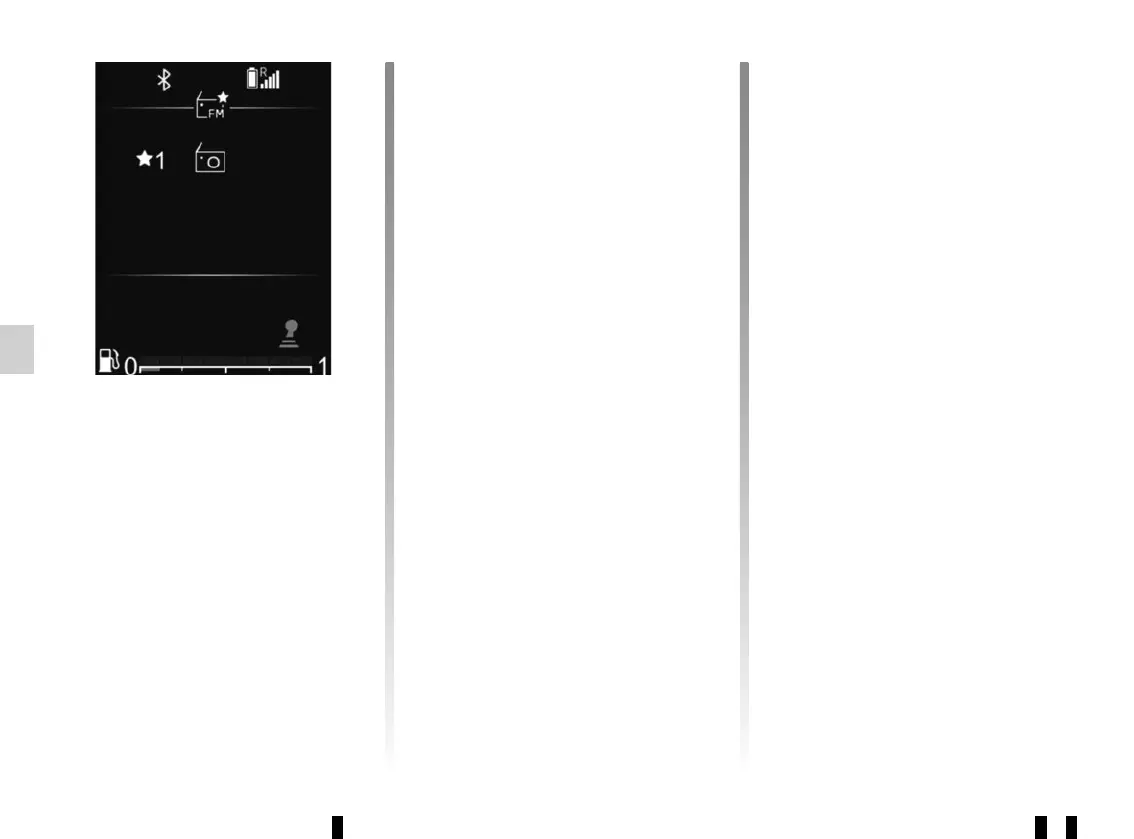
Radio/media information
This function displays the information
on the frequency that you wish to see
on the screen (see above). It is dis-
played automatically after a moment or
by pressing 35.
Selecting a station
Select the desired band (FM, DR or
AM) by pressing 24 or 25 repeatedly.
This list can include up to 100 radio sta-
tions with the strongest frequencies in
the area where you are located.
Use 26, 33 or 34 to scroll through the
radio stations in the FM, DR list.
Storage of radio stations
This operating mode allows you to
listen to your pre-set radio stations.
Select a band (FM, DR), then select
a radio station using the modes de-
scribed above.
To store a station, press and hold 35
until you hear a sound signal.
You can see your list of six stations in
“Favourites” at the top of the list of sta-
tions.
The radio station you stop at will au-
tomatically play shortly afterwards. To
return to the list of stations, use 36, or
browse with 26, 33 or 34.
DARKA RADIO
97.77 MHz
FM
16 : 40
21°



 To Next Page