GB.26
AUXILIARY AUDIO SOURCES (3/8)
Once the external audio source is con-
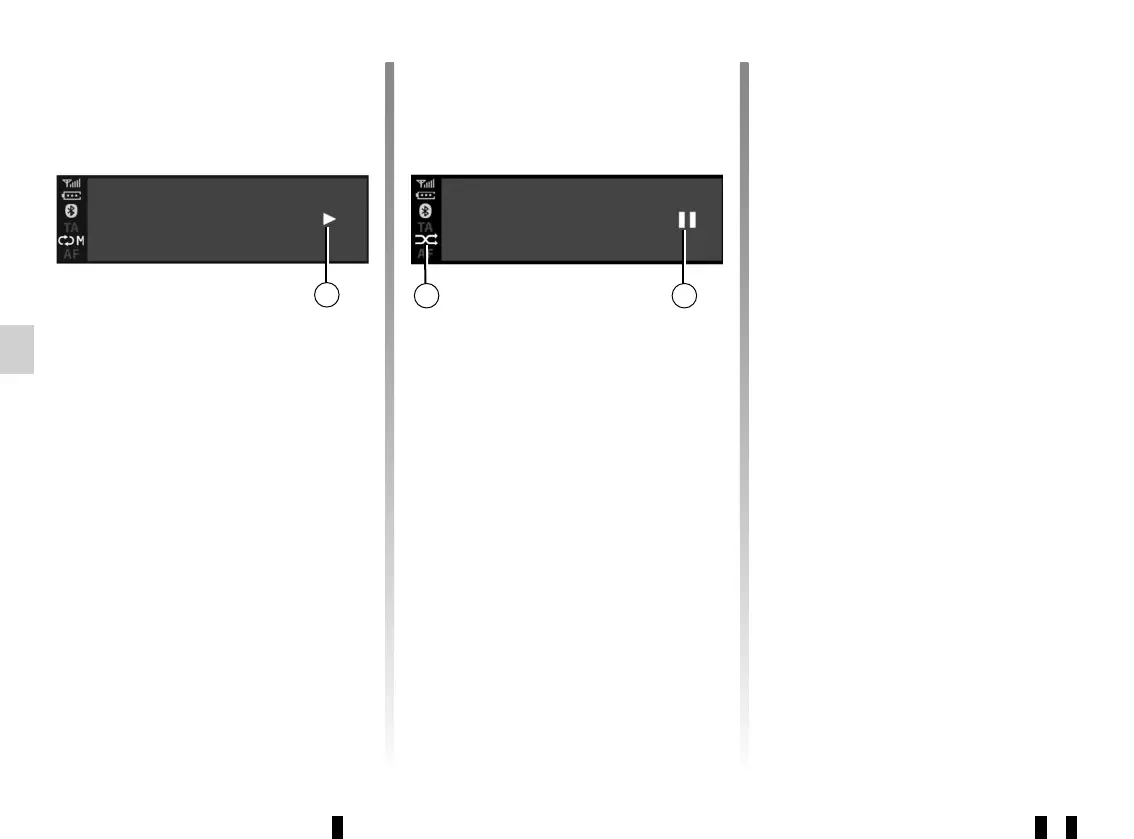
nected, the first audio track will start
to play automatically. The “PLAY”
symbol d is displayed.
Rotate 6 or 15 to go to the previous
track or the next track.
Press 16 and 17 simultaneously to
“MUTE” f the audio track (press again
to resume playback).
Note:
– In some cases, you may need to
refer to your device’s user manual to
finalise the connection procedure;
– The number of accessible functions
varies depending on the type of port-
able player and its compatibility with
the audio system.
BT devices… 12:45 I 22°C
Lady Crazy
Sickness time
e f
BT devices… 12:45 I 22°C
Lady Crazy
Sickness time
d
Shuffle MIX
Press 12 or press and hold 18 to shuffle
all the tracks in the folder.
The MIX symbol e appears on the
screen. A track is then selected at
random. The transition from one track
to another takes place randomly.
Press again on 12 or press and hold 18
to deactivate the shuffle. The “MIX”
symbol e will disappear.
Turning off the audio system deacti-
vates the shuffle function.
Note:
– on a Bluetooth® device connected
to the audio system, the shuffle func-
tion will be applied to the folder in
playback. Change to another folder
to apply the shuffle function to that
one;
– if the shuffle function is activated, en-
abling the repeat function will deacti-
vate it.



 To Next Page