GB.27
AUXILIARY AUDIO SOURCES (4/8)
Repeat «RPT»
This feature allows you to repeat a
track.
Press 11 or briefly press 18 to activate
the repeat function.
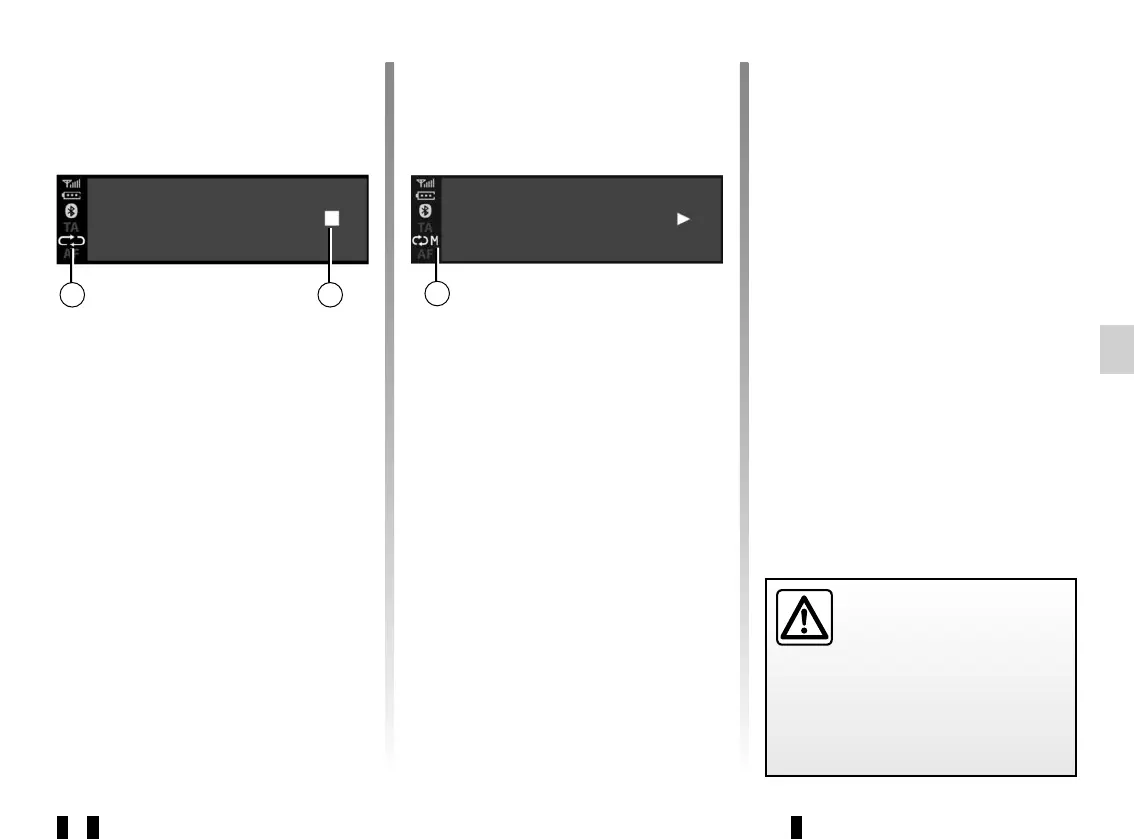
The RPT symbol g appears on the
screen.
Press 11 again or briefly press 18 to de-
activate the repeat function, the “RPT”
indicator light g disappears.
Note: if the shuffle function is activated,
enabling the repeat function will deac-
tivate it. The MIX symbol e will go out
and the RPT symbol g will come on.
2 3
You can activate the “RPT” and “MIX”
functions simultaneously. The j symbol
appears on the screen.
Play mode
The playback mode is shown by the fol-
lowing symbols:
– “PLAY” d;
– “MUTE” f;
– “STOP” h.
BT devices… 12:45 I 22°C
Lady Crazy
Sickness time
BT devices… 12:45 I 22°C
Lady Crazy
Sickness time
hg
j
Pause
Press 16 and 17 simultaneously to
mute the sound or pause the audio
track. The f symbol appears on the
screen.
Press 16 and 17 simultaneously to
unmute the sound or play the audio
track. The f symbol disappears from the
screen and the d symbol appears.
This function is also deactivated if you
change the volume or source, or if an
automatic news bulletin comes on.
Only handle the personal
stereo when traffic condi-
tions permit.
Store the portable audio
player safely while driving (risk of
being thrown in the event of sudden
braking or impact).



 To Next Page