GB.57
SYSTEM SETTINGS (6/9)
“Equaliser”
Select “Equaliser”, then press 33 or 34
to access the different items in the fol-
lowing order:
– “Bass”;
– “Medium”;
– “Treble”.
Audio settings
From the main menu, browse
through 33 or 34 to the Settings menu.
Select “Audio Sound”, then press 35 to
confirm.
The available settings are:
– “Equaliser”;
– “Spatialisation”;
– “Speed Vol.”;
– “Bass Boost”;
– “Set to”.
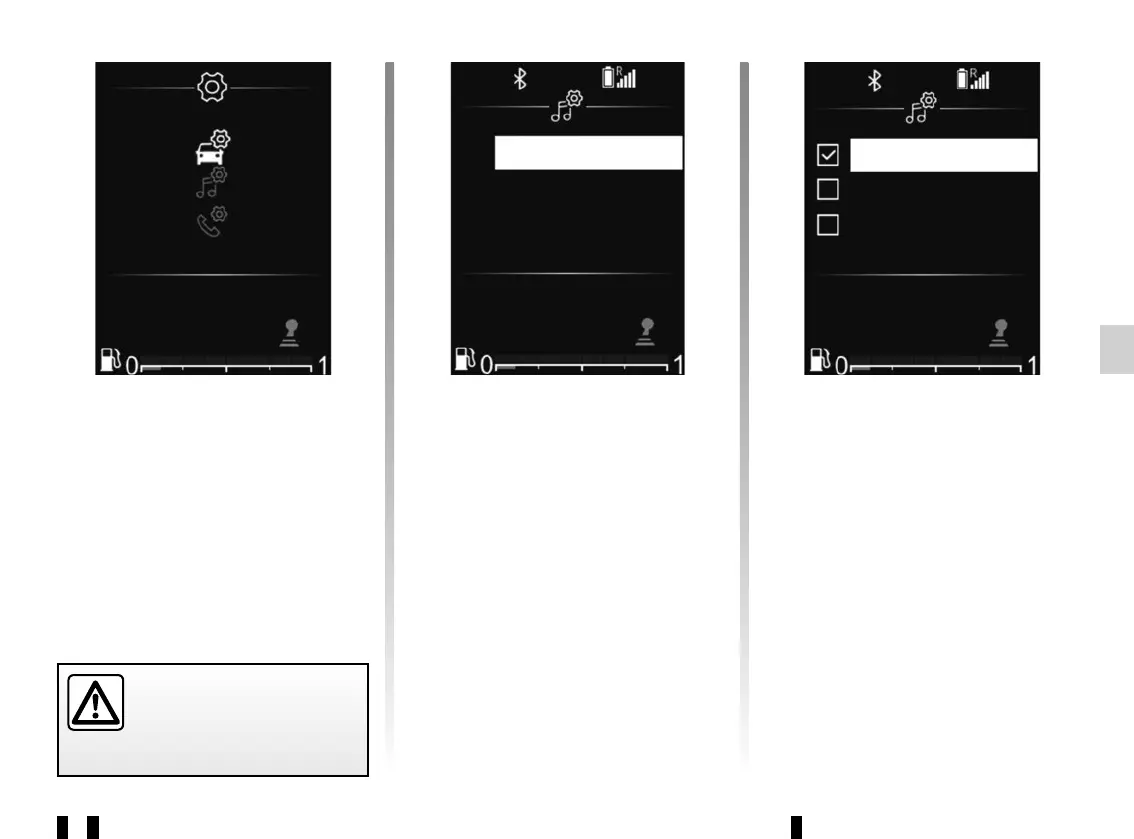
Radio with display on the
instrument panel
From the main menu, browse
through 33 or 34 to the Settings menu.
The available settings are:
– “Car”;
– “Audio”;
– “Phone”.
Bass
Medium
Treble
Speed Vol.
Bass Boost
Set to
For safety reasons, carry
out any adjustments when
the vehicle is stationary.



 To Next Page