GB.58
SYSTEM SETTINGS (7/9)
“Bass Boost”
Use the “Bass Boost” function to en-
hance the bass volumes.
Access the “Audio settings” menu then
confirm “Bass Boost” using 33 or 34,
then press 35 to confirm.
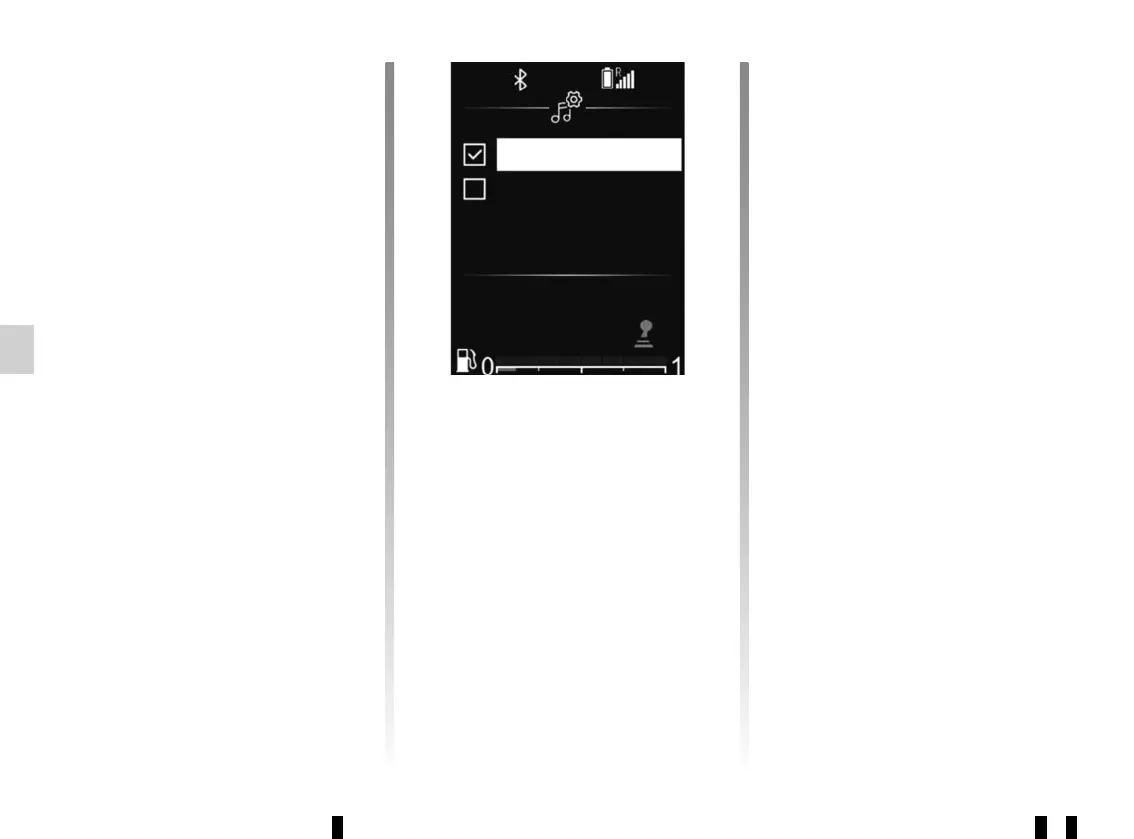
To activate/deactivate this function,
select “ON” or “OFF” using 33 or 34,
then press 35 to confirm.
ON
OFF
“Spatialisation” (sound distribution)
Use the “Spatialisation” function to
adjust the sound distribution in the pas-
senger compartment:
– “Balance” (left/right sound balance);
– “Fade” (front/rear sound distribu-
tion).
You can change the value of each set-
ting using 33 or 34.
Press 35 to confirm and return to the
previous selection.
“Volume sensitive to speed”
The volume of the audio system varies
in relation to the vehicle speed.
Go to the “Audio settings” menu then
confirm “Speed Vol.” by pressing 35.
To reach the desired setting, select one
of the following:
– “OFF”;
– “Very low”;
– “Low”;
– “Medium”;
– “High”;
– “Very high”.
“Default audio”
Display the “Audio settings” and select
“Default” then “Set to”.
Select “YES” or “NO”.
All the audio settings return to their de-
fault values.
Radio settings
From the main menu, browse
through 33 or 34 to the Settings menu.
Select “Audio Radio” then press 35 to
confirm.
The available settings are:
– “Update FM List”;
– “Update DR List”.
“Update FM List”
Please refer to the paragraph on “Ref.
FM List” under “Listening to the radio”.



 To Next Page