GB.59
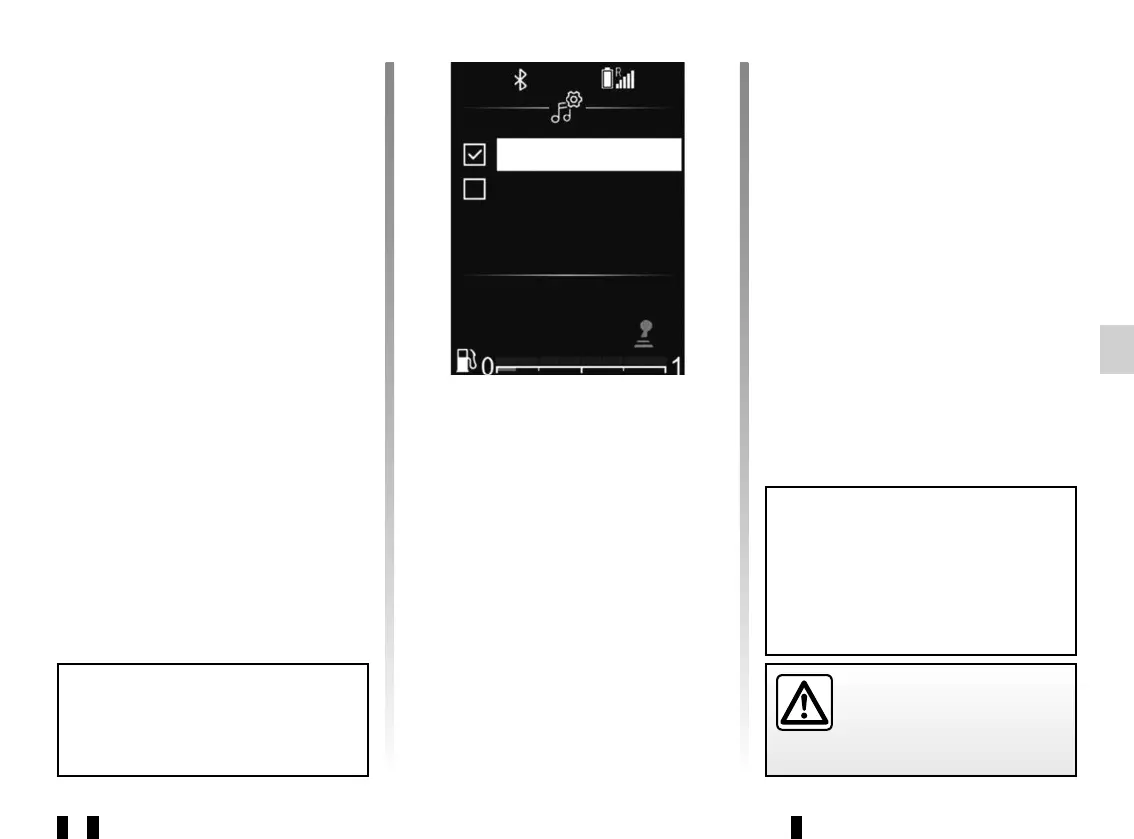
“Settings” (Bluetooth®)
From the main menu, browse
through 33 or 34 to the Settings menu.
Select “Settings”, then press 35 to con-
firm.
To activate the audio system Bluetooth®
function, select “ON” using 33 or 34,
then press 35 to confirm.
To deactivate the audio system
Bluetooth® function, select “OFF”
using 33 or 34, then press 35 to con-
firm.
SYSTEM SETTINGS (8/9)
For safety reasons, carry
out any adjustments when
the vehicle is stationary.
To return to the previous menu,
press button 4 on the audio system
front panel.
Depending on the brand and model
of your telephone, the hands-free
functions may be partially or fully in-
compatible with your vehicle’s audio
system.
“Update DR List”
Please refer to the paragraph on “Ref.
DR List” under “Listening to the radio”.
Phone Settings
Use this function to adjust the settings
of the telephone connected to the audio
system.
From the main menu, browse
through 33 or 34 to the Settings menu.
Select “Phone Settings”, then press 35
to confirm.
The available settings are:
– “Scan devices”;
– “Pair device”;
– “Select device”;
– “Delete device”;
– “Bluetooth”.
Please refer to the corresponding sec-
tions.
ON
OFF



 To Next Page