GB.75
R&GO: SETTING PARAMETERS (1/2)
“Connection settings”
Pairing
This function allows you to activate
Bluetooth® on your phone and to
search the “MY CAR” audio system.
“Launch R&Go”
Select this option to activate or deac-
tivate the automatic launch of the ap-
plication as soon as the connection to
your vehicle’s audio system is estab-
lished.
Settings
Connection settings
Accounts
Background
Automatic
Manual
Connection settings
– information on your user account;
– the background;
– the terms and conditions of use;
– the connection to the audio system;
– the instruction tutorial for the app;
– the shortcut button to return to the
R&Go app;
– restore default settings;
– which “R&Go” version is installed on
your phone;
– the Bluetooth® connection (auto-
matic or manual);
– ...
“Settings”
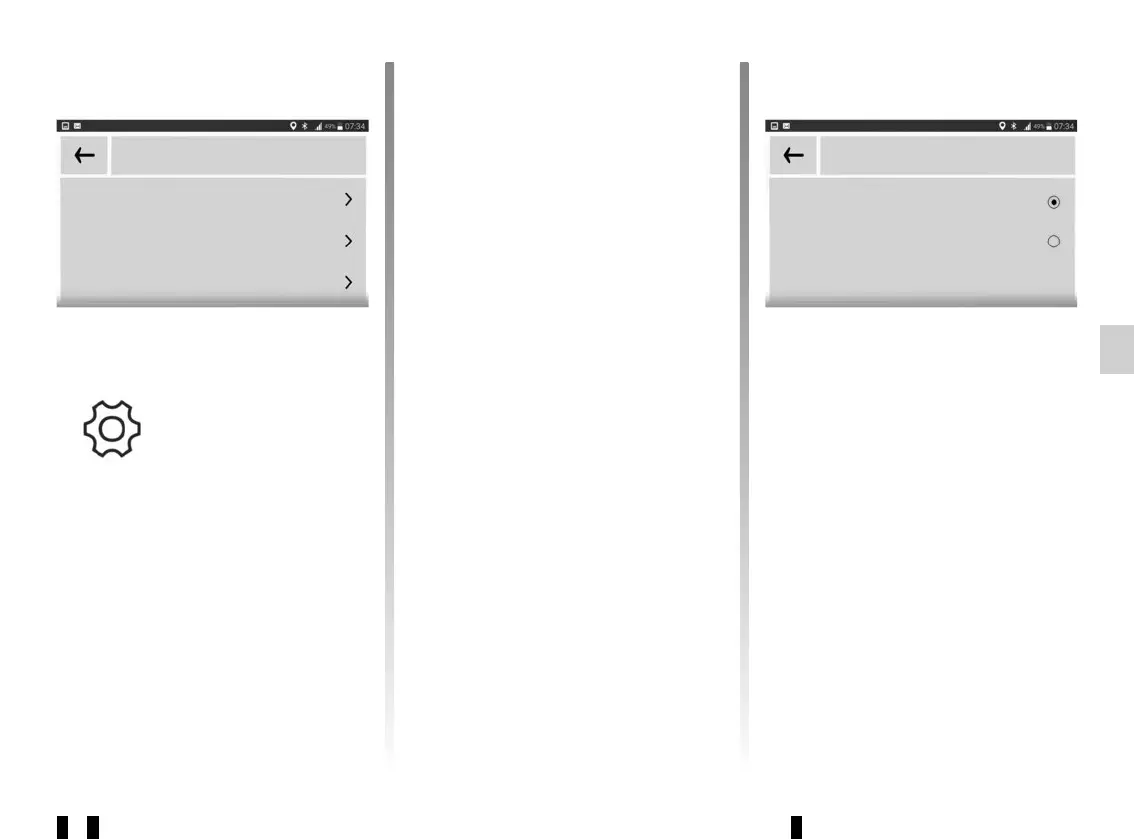
To access the settings menu, from
the default “R&Go” main menu, select
"Settings".
The “R&Go” system "Settings" can be
used to adjust or view the following:
– run the R&Go app automatically
once connected to the audio system;



 To Next Page