GB.76
R&GO: SETTING PARAMETERS (2/2)
“Activate the R&Go
information”
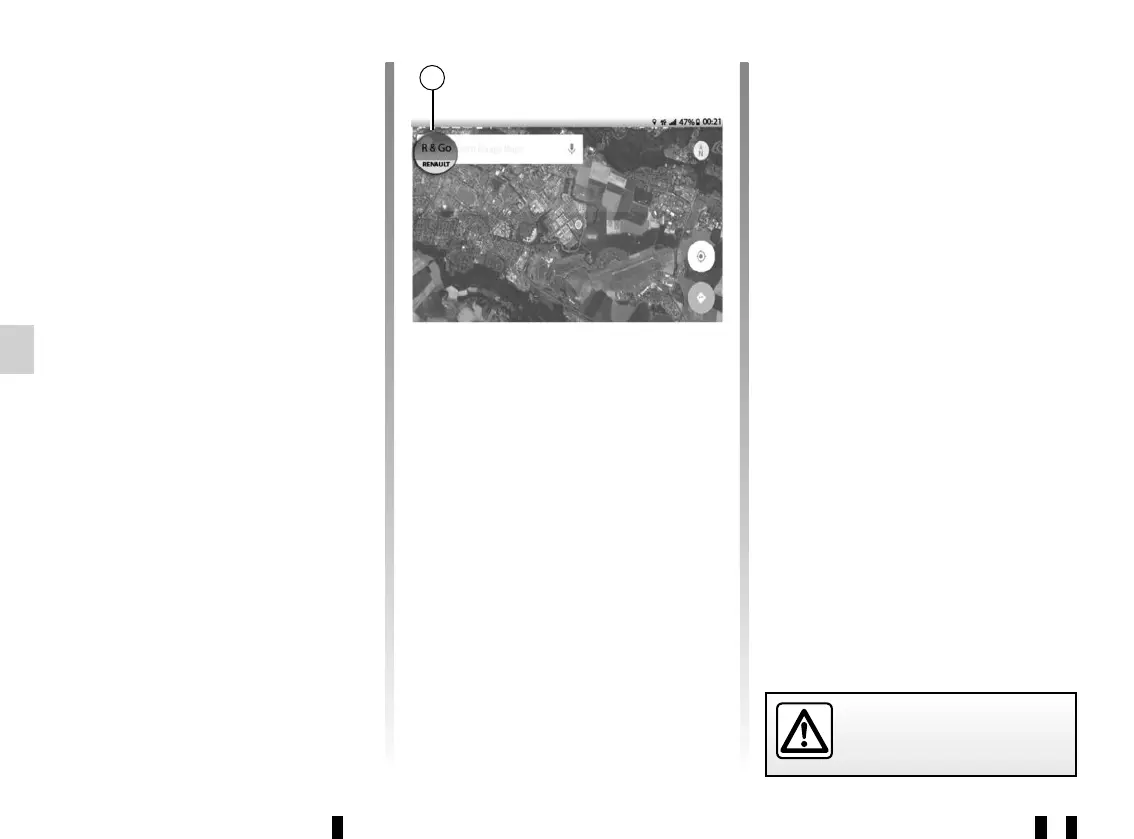
Select one of the two options to activate
or deactivate the display of the applica-
tion shortcut button. This button can
only be seen when you are outside the
“R&Go” application. When you press
the shortcut button 37, the “R&Go” ap-
plication opens.
37
For safety reasons, carry
out any adjustments when
the vehicle is stationary.
Background
Use this function to select a background
from those offered by the app.
“Terms and conditions”
This option allows you to view the terms
and conditions of use.
Tutorial
This function makes it possible to view
the instruction tutorial for the “R&Go”
application.
“Default settings”
This option enables you to return to the
default settings.



 To Next Page