18
Assuming all connections are correct and tightly secured,
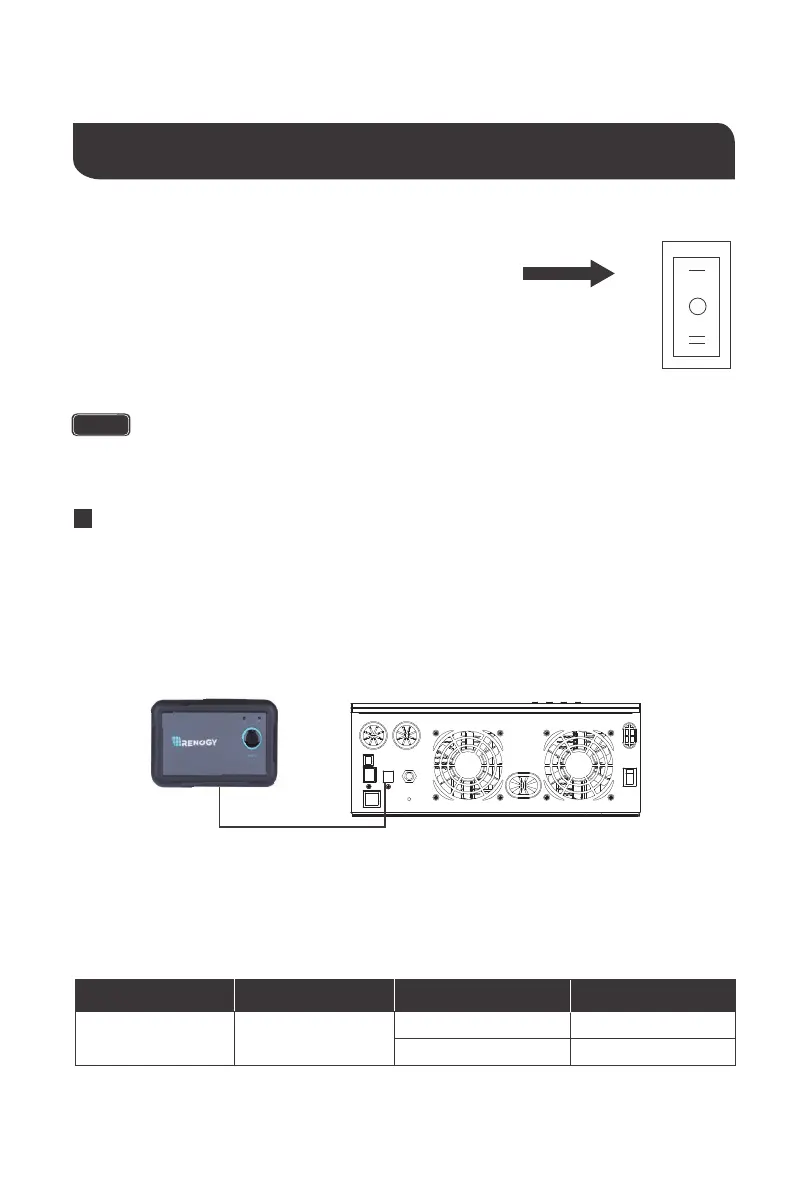
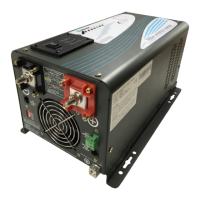
Locate the power button on the solar inverter and turn the
main power switch to the ON position.
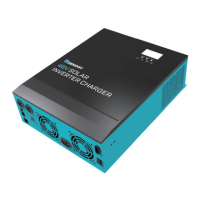
The following describes the basic operation of the solar inverter charger
Operation
If using the Wired Remote and the main power switch set to REM. ,simply press to
push button to turn on .
NOTE
Wired Remote
The wired remote control is an alternative way to power on or off your solar inverter from a
distance. To operate:
1. Make sure the push button on the wired remote is not pressed
2. Flip the solar inverter switch to REM mode
3. Connect the remote wire to the REMOTE port on the solar inverter model
4. To confirm success, press the power button to power on the inverter via remote
Wired Remote LED
Note: The ON LED only reflects the solar inverter being on and will not change according to
AC/INV or CHARGE statuses. The ERR LED will be consistent with any faults triggering the
FAULT LED on the solar inverter.
LED
Behavior
Color
ON
Green
Solid
Flash
Behavior
Powered On
Not connected
Meaning
ON OFF
REM.


 To Next Page