STEP 2
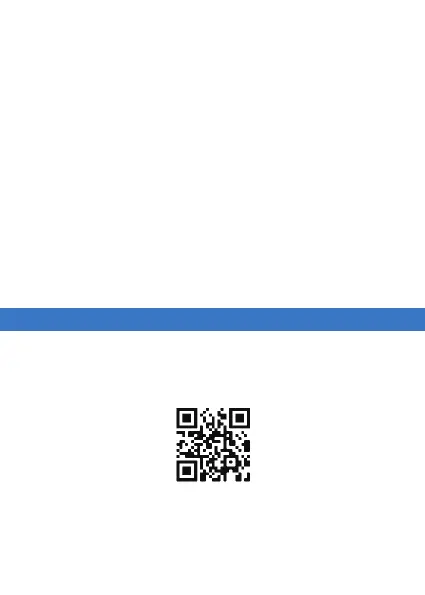
Scan the QR code or search "Renpho Health" in
the Apple App Store or Google Play Store to
download.
1. Use a screwdriver (not included) to loosen the
screw, then remove the cover.
facing up.
securely tighten the screw.
• Always select the correct size and type of battery
most suitable for the intended use. Information
provided with the equipment to assist correct
battery selection should be retained for reference.
Do not charge the battery.
device prior to battery installation.
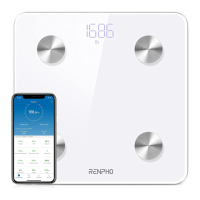
Note: Due to continuing updates and improvements,
the "Renpho Health" App may appear slightly different.


 To Next Page