Need help?
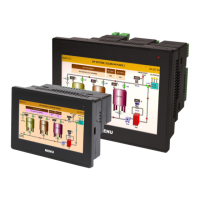
Do you have a question about the Renu Electronics FlexiPanels Basic FP2043T-E and is the answer not in the manual?
Critical warnings regarding explosion hazards and safe handling procedures.
Important safety measures for installation, operation, and maintenance of the product.
Guidance on installing the FP2 series HMI with I/Os products for front panel mounting.
Steps for connecting the 24VDC isolated power supply to the FlexiPanels HMI.
Details the DB9 female port supporting RS232 and RS485 signal levels and pin assignments.
Details the Ethernet port specifications, including RJ45 connector and LED indicators.
 General
| Brand | Renu Electronics |
|---|---|
| Model | FlexiPanels Basic FP2043T-E |
| Category | Recording Equipment |
| Language | English |


 To Next Page