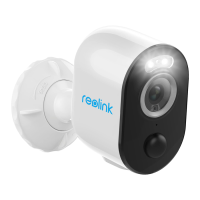
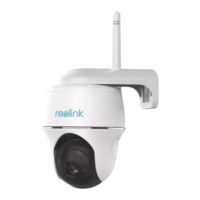
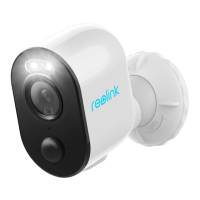
General Introduction
Contents
What’s in the Box
What’s in the Box
General Introduction
Set up Camera via Reolink App on Smartphone
Add the Camera to Reolink Client on PC
Notes on Camera Installation
Charge the Battery
Mount the Camera
Troubleshooting
Specifications
Notification of Compliance
1
2
3
4
5
8
10
13
14
14
Camera ×1
Outdoor Security Mount ×1
Magnet & Base x1
Micro USB Cable ×1
Surveillance Sign ×1
Quick Start Guide ×1
Mounting Hole Template ×2
Reset Needle ×1
Pack of Screws ×1
EN
2English
1 English
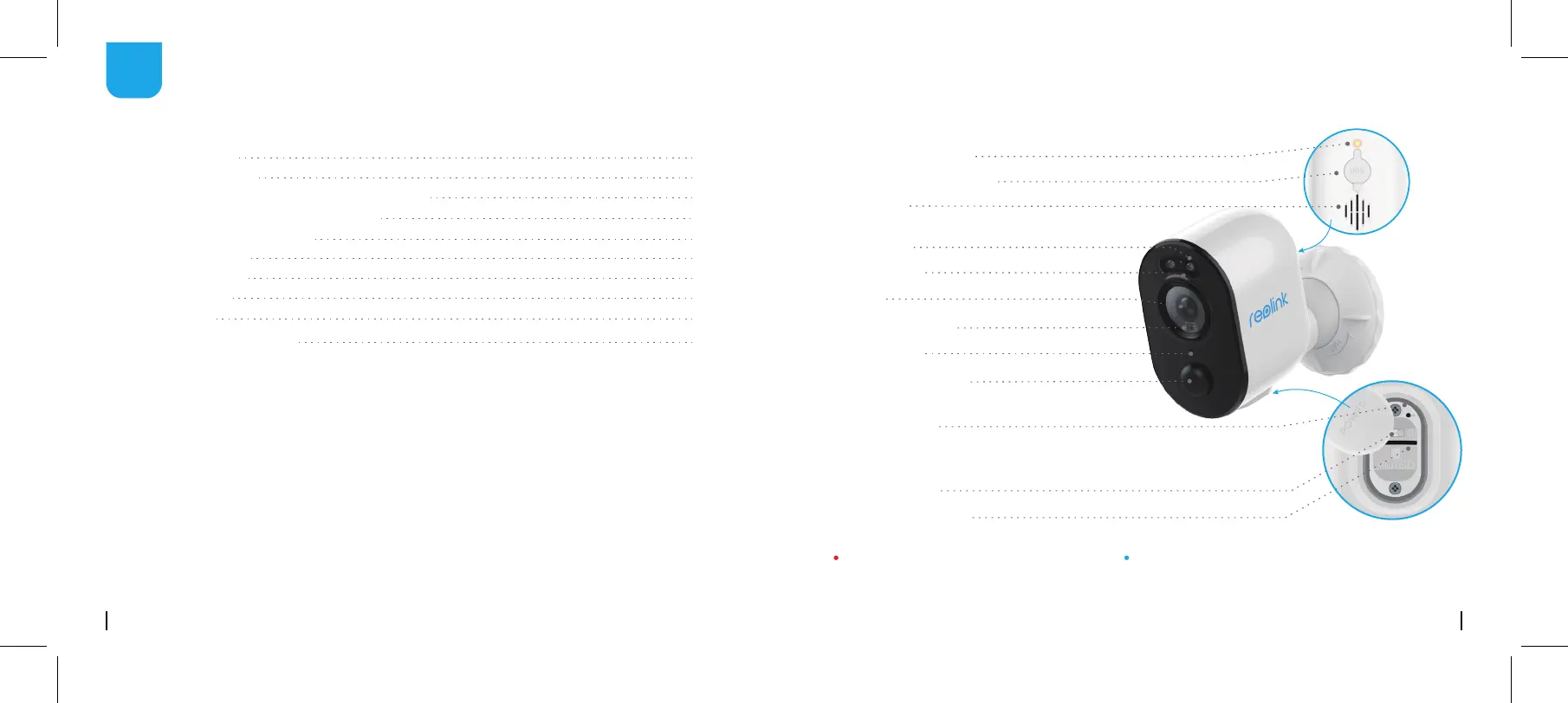
Micro USB power port
Speaker
Lens
Status LED
Daylight Sensor
Press for more than five seconds to restore
the device to factory settings.
Built-in Mic
PIR Motion Sensor
Power Switch
Reset Button
Spotlight
Micro SD card slot
The LED in Red (WiFi connection failed)
Blinking: Standby status
On: Working status
The LED in Blue (WiFi connection succeeded)
Blinking: Standby status
On: Working status
Battery Status LED


 To Next Page
 Loading...