Step 5. Select a WiFi network, enter the WiFi password, and tap Next.
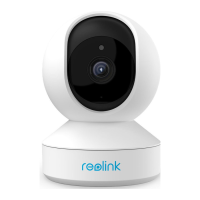
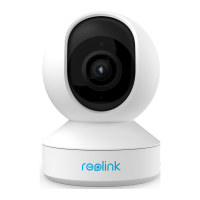
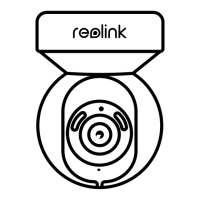
Step 6. Scan the QR code on the app with the camera lens.
Tap Scan Now. The QR code will be generated and displayed on your phone.
Please hold your phone in front of the camera at a distance of about 20 cm (8
inches) and have the phone face the camera lens to let the camera scan the QR
code.








 To Next Page