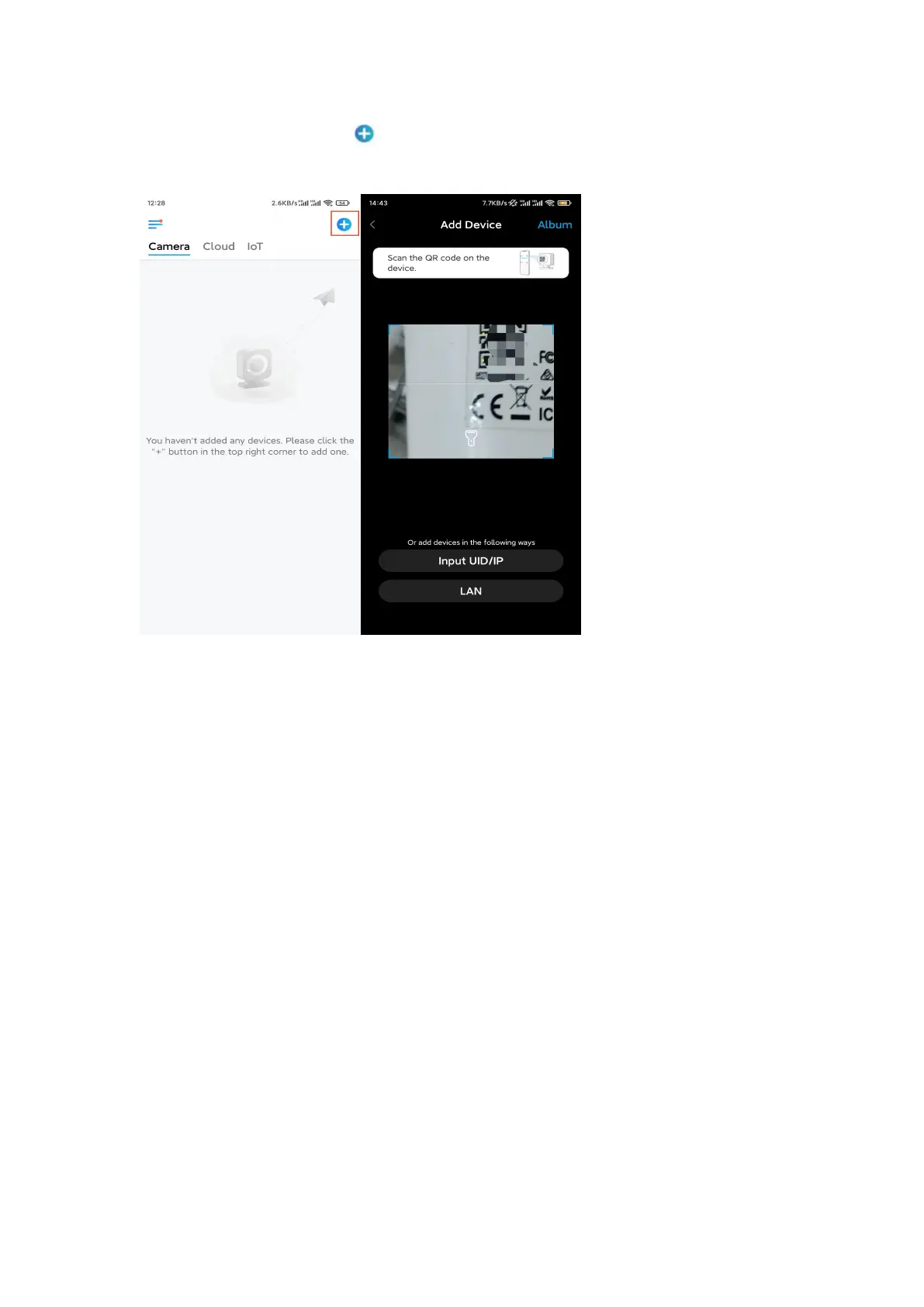
Otherwise, you can tap the icon in the top right corner and scan the QR code
on the camera to add the camera.
Step 2. Tap Choose Network Cable Connection.
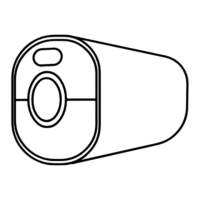
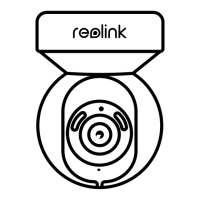
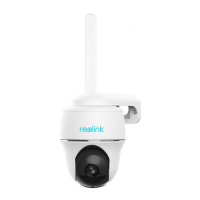
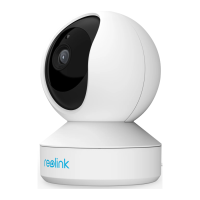
Please make sure the camera is connected in the correct way, as shown in the
diagram, and then tap Access the Camera.








 To Next Page