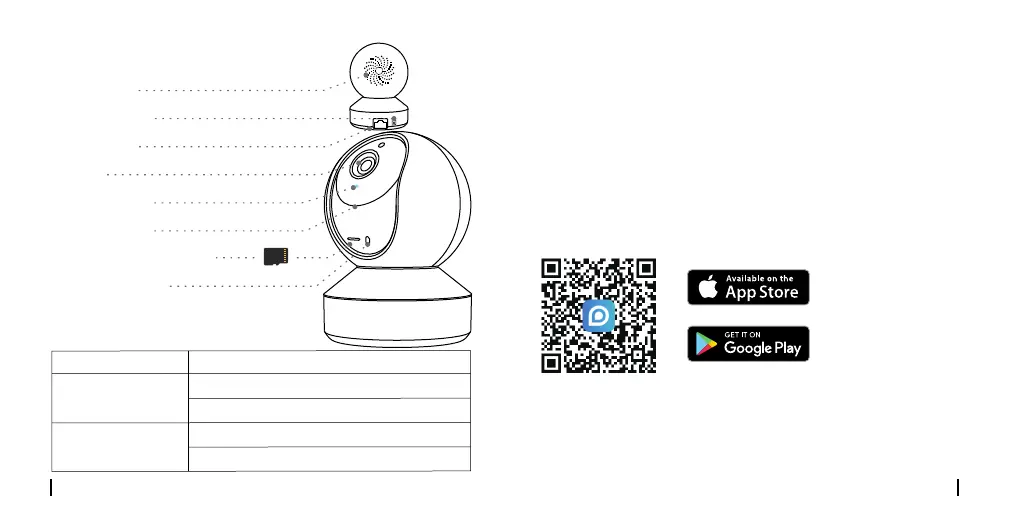
Speaker
Power Port
Micro SD Card Slot
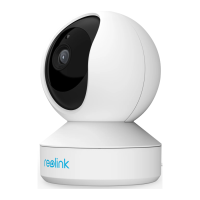
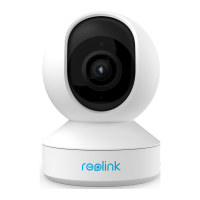
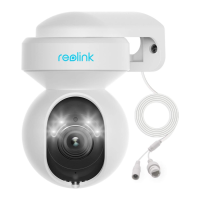
Camera Introduction
LAN Port
Built-in Mic
Status LED
Lens
Reset Button
*Rotate the lens to find the reset
button and the SD card slot.
4English3 English
Meaning of the Status LED:
• On Smartphone
Download and launch the Reolink App or Client software
and follow the onscreen instructions to finish initial setup.
Scan to download the Reolink App.
Set up the Camera
• On PC
Download path of the Reolink Client: Go to
https://reolink.com > Support > App & Client.
WiFi connection failed
Status/LED LED in Blue
WiFi is not configured
Camera is starting up
WiFi connection succeeded
On
Blinking


 To Next Page
 Loading...