3 4
Device Overview
Install the Hard Drive
HDD Slot
WAN Port
microSD Card Slot
LAN Port
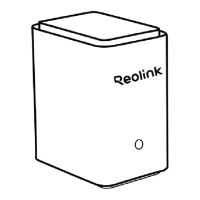
Speaker
USB port
Indicator Light/Button
Note: Please make sure your device is powered o during the installation.
1
Step 1:
Remove the HDD slot cover. Press the release tab on the left and hold
the hollow part on the right simultaneously as you pull out the hard drive
bracket.
Reset Button
3
5
4
6
7
8
2
3
5
4
6
7
8
1
2
Red Light: Power on
Blue Light: Initialized successfully
Dierent states of the Indicator Light:
Step 2:
Fix your HDD to the bracket with provided screws.
HARD DRIVE
*Short press to alarm o when
the Home Hub Pro is emitting
a sound.
9
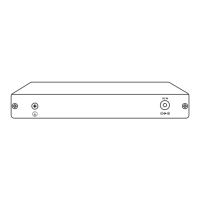
DC Input Port
9


 To Next Page
 Loading...