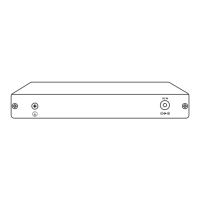
5 6
Connecting Home Hub Pro
Step 1:
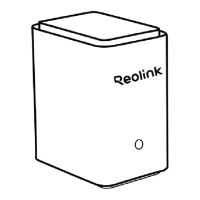
Power on the Reolink Home Hub Pro and connect it to your home router
using the Ethernet cable provided.
Step 2:
Connect your phone to the same router that the Home Hub Pro is
connected to.
Access Home Hub Pro via Smartphone
Step 1:
Scan to download the Reolink App from the App Store or Google Play
store.
Step 3:
Push the bracket back into the slot. Make sure the release tab clicks into
place and then cover the slot.


 To Next Page
 Loading...