69 70
Conectar Home Hub Pro
Paso 1 :
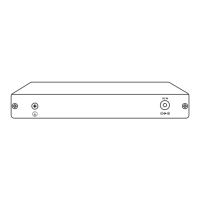
Encienda el Reolink Home Hub Pro y conéctelo a su router doméstico
mediante el cable Ethernet suministrado.
Paso 2 :
Conecte su teléfono al mismo router al que está conectado el Home Hub
Pro.
Acceda a Home Hub Pro a través de su
smartphone
Paso 1 :
Scan to download the Reolink App from the App Store or Google Play
store.
Paso 3 :
Vuelva a introducir el soporte en la ranura. Asegúrese de que la lengüeta
de liberación encaje en su sitio y, a continuación, tape la ranura.


 To Next Page
 Loading...