2
Masks
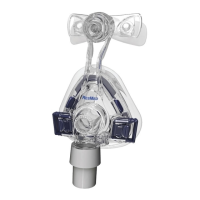
The ResMed mask systems recommended for use with the Tango are:
Mirage™ Full Face Mask Series II• Meridian™ Nasal Mask•
Ultra Mirage™ Full Face Mask• Mirage™ Nasal Mask•
Mirage Swift™ Nasal Pillows System• Mirage Activa™ Nasal Mask•
Mirage Swift II Nasal Pillows System• Mirage Vista™ Nasal Mask•
Papillon™ Nasal Mask• Ultra Mirage™ II Nasal Mask•
Silent Papillon™ Nasal Mask• Mirage Liberty™ Full Face Mask•
Mirage Quattro™ Full Face Mask•
For information on using masks, see your mask manual.
Humidifiers
For information on using the ResMed C-Series Heated Humidifier or the ResMed
Passover, see your humidifier manual.
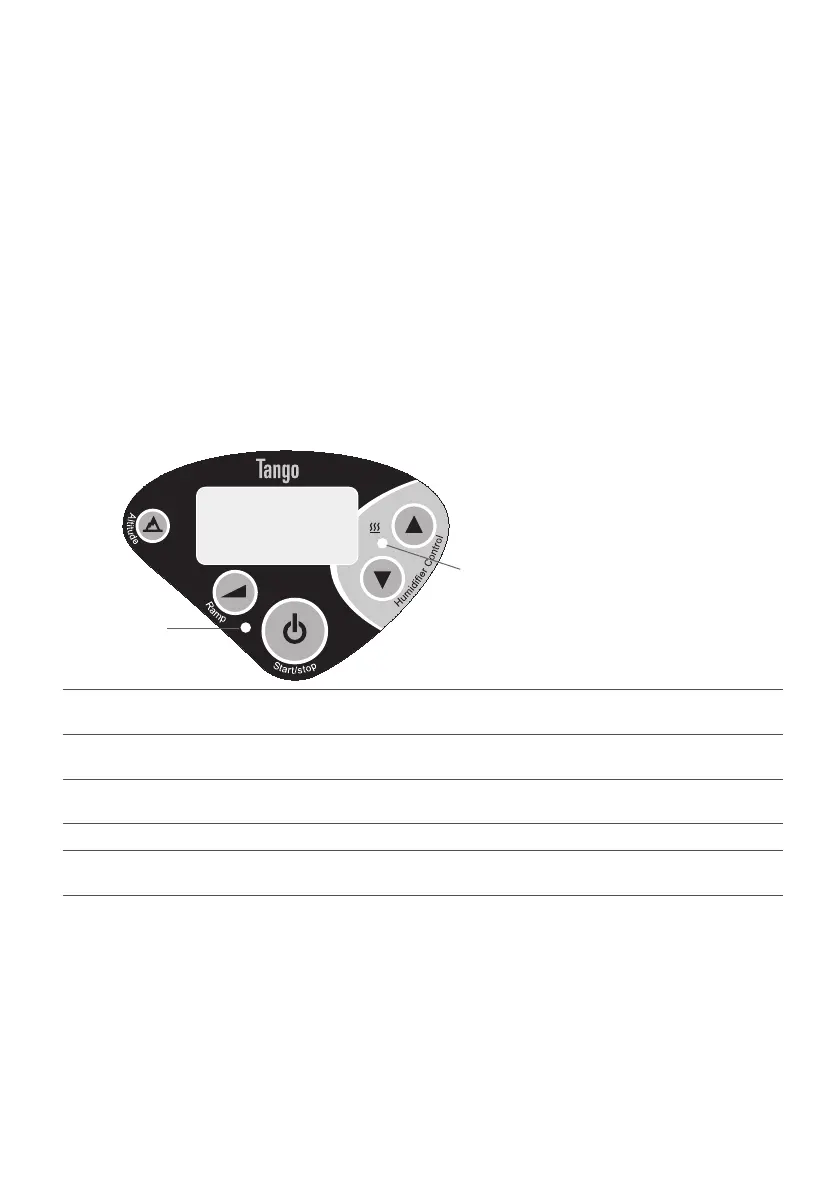
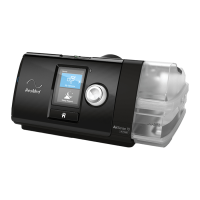
The Tango Interface
Heating indicator
Power indicator
Standby mode When the Tango is powered, the power indicator is lit and the run hours are displayed on
the LCD. All changes to altitude and ramp settings are made in standby mode.
Ramp Setting a ramp time enables therapy to start at a low pressure and build up to full
pressure during the ramp time (see “Set ramp time”).
Altitude Changes in altitude affect the pressure delivered by the Tango. The altitude feature
compensates for pressure changes related to changes in altitude (see “Set altitude”).
Run hours Run hours are displayed when the Tango is in standby mode.
Humidifier The humidifier buttons are used when using the C-Series Heated Humidifier and when
setting the altitude. The heating indicator lights when the humidifier is on.







 To Next Page