Changing program
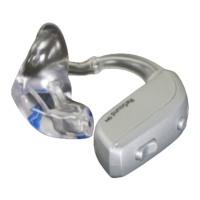
Your hearing aid has a push button which allows you to select from several
listening programs.
Push the button to change program. You will then hear one or more beeps.
The number of beeps indicates which program you have selected (one
beep= program 1, two beeps= program 2 and so on).
You can also change programs using a ReSound remote control or the ReSound Smart 3D™ app.
NOTE:
• If you have two hearing aids with synchronisation enabled, a change of program on one hearing aid
automatically applies to the second hearing aid as well. The same number of beeps will then sound in
the second hearing aid.
• When you turn the hearing aids off and on again, they always start up in program 1 and your pre-set
volume level.
18 Using your hearing aids


 To Next Page
 Loading...