Revision 2.6 Page 51 of 53
Intuitive Mercury 6-5M Controller with TDB
Warning
Please Note
The specifications of the product detailed on this
Set-Up Guide may change without notice. RDM
Ltd. shall not be liable for errors or for incidental
or consequential damages, directly and indirectly,
in connection with the furnishing, performance or
misuse of this product or document.
Ensure that all power is
switched off before
installing or maintaining
this product
Appendix 2 Webpage Appearance
It is possible to view the controller across an IP connection using one of the aforementioned network communication modules.
Webpage Appearance
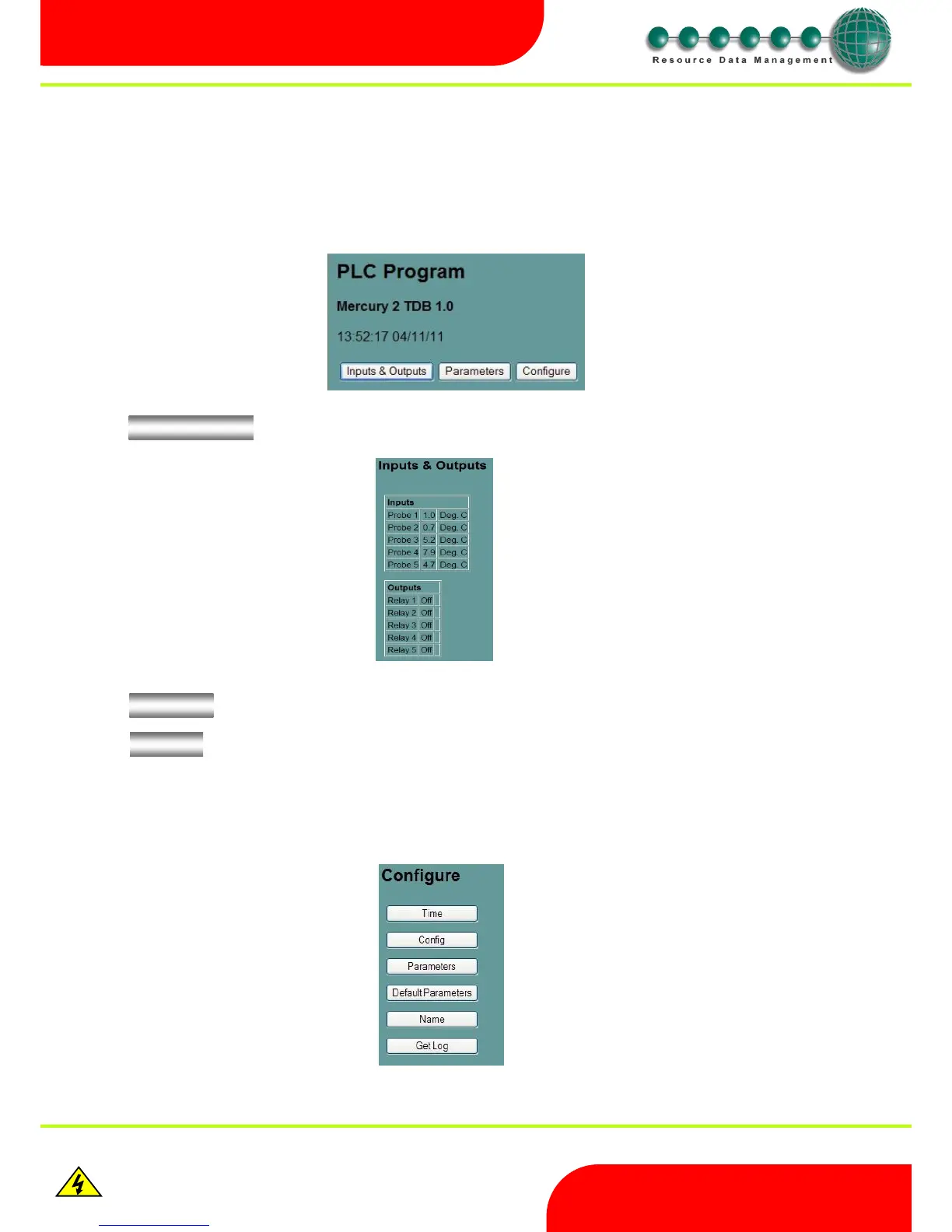
The following screens are samples of how values and settings appear when viewed through a PC/Laptop connection.
Click on will display the following screen, which is a list of the current inputs and outputs.
Click on will display a list of read only parameters
Click on will display the following screen
Note: login credentials required to access Configure menu: -
Username = “service”
Password = “1234”



 To Next Page