14
EverGo User Manual
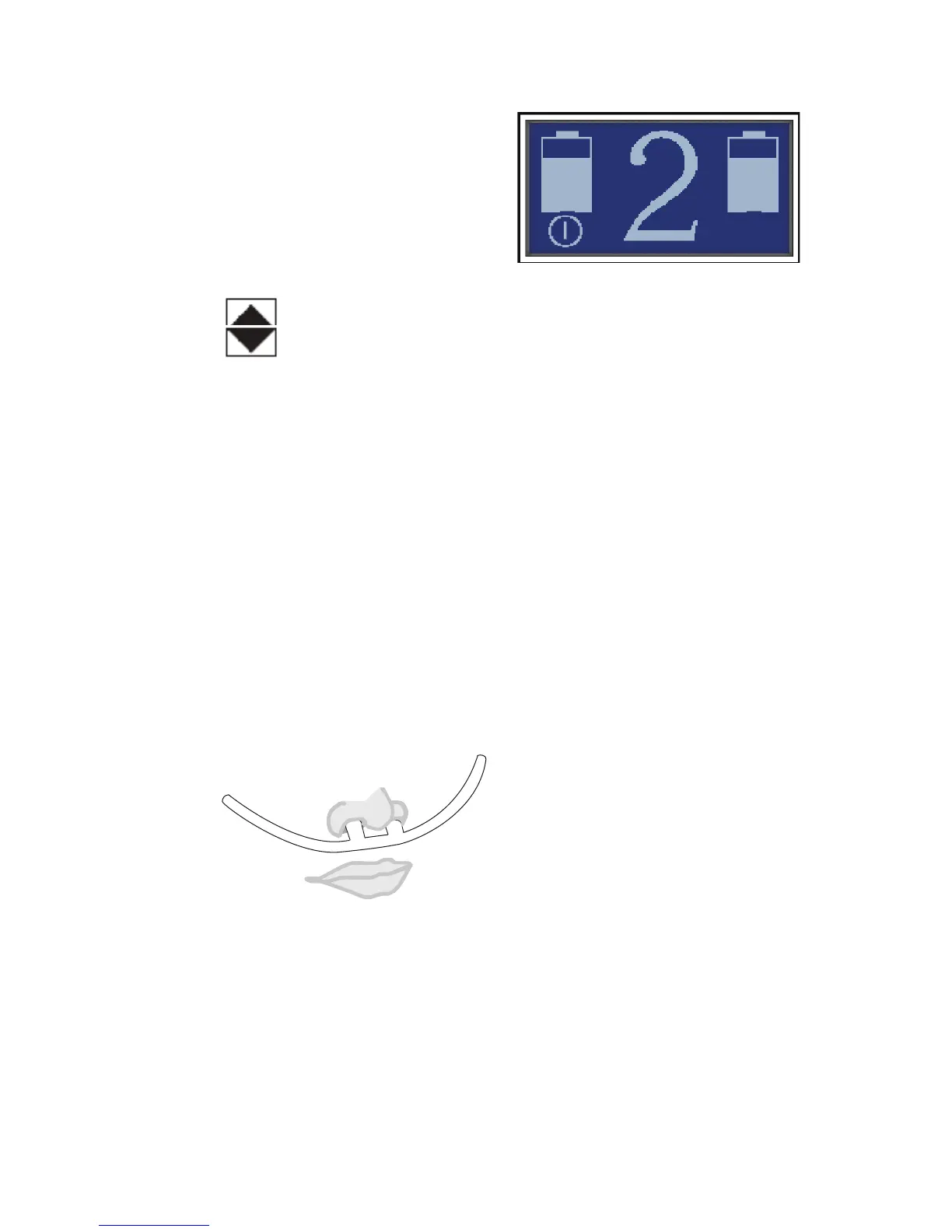
Figure 9. Touch the number to change the
flow setting.
4. Tosetthedevice’sowsetting,
rsttouchthelargenumber(such
asthe2showninFigure9)inthe
center of the screen.
5. Eachtimeyoupresstheow
settingnumber,anuparrow
and/ordownarrow
willappearonthescreen.
(ExamplesareshowninFigures16-17).Toincreasetheow
setting,presstheuparrow.Todecreasetheowsetting,pressthe
downarrow.
edevicecanbesetto:1,1½,2,2½,3,3½,4,4½,5,5½,and6.
Warning: It is very important to set your device to your prescribed level
of oxygen flow. Do not increase or decrease your flow rate from your
prescribed level until you first consult with your physician.
Note: When it is turned on, the device will automatically start at the flow
rate setting used when the device was last turned off. As a precaution, each
time you start the unit, verify the flow setting.
6. Positionthenasalcannulaonyourface,asshownbelow,and
breathe normally through your nose.
Figure 10. Correct position of cannula on your face.


 To Next Page