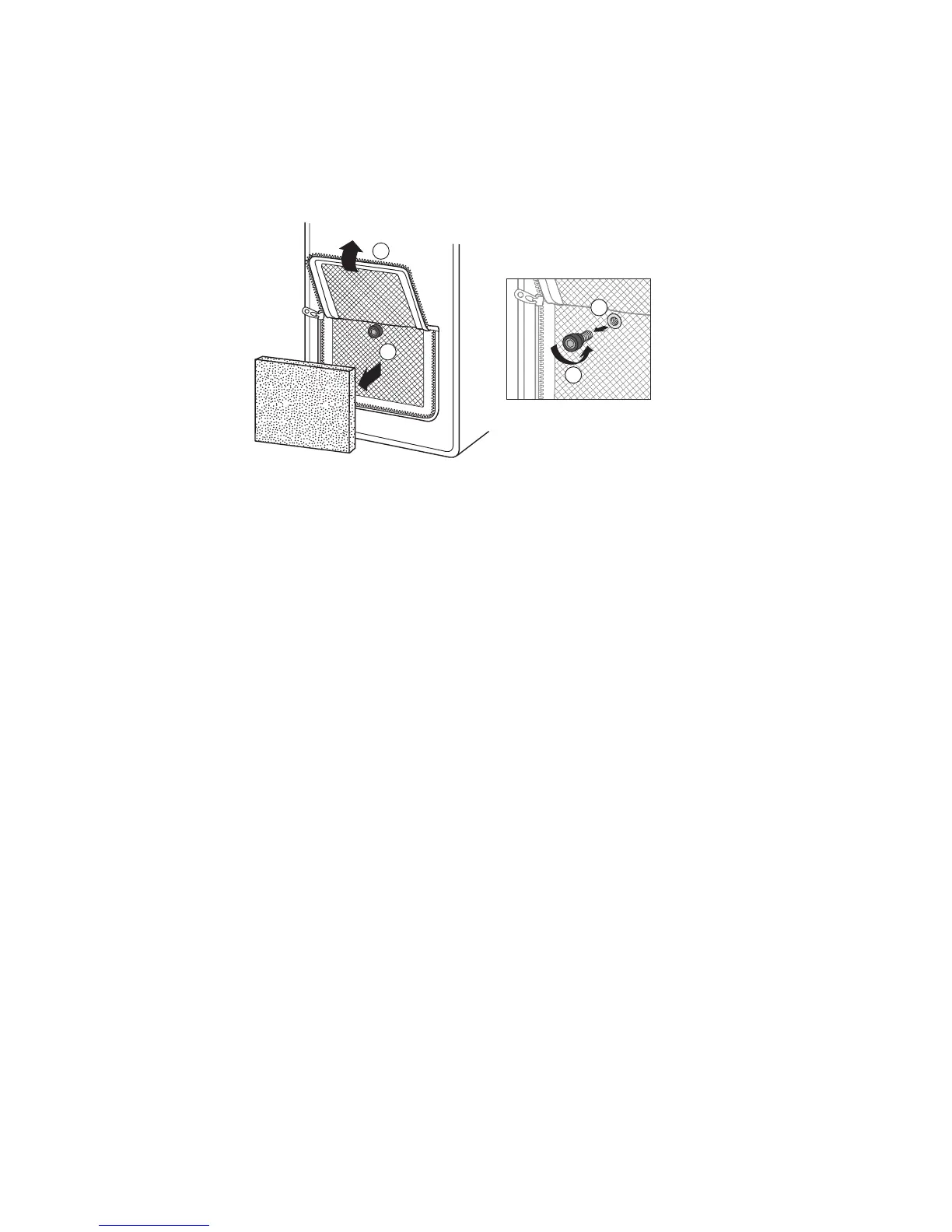
1.Unziptheltercompartmentonthesideofthecase.
2.Carefullyremovethelter.
3.Usingyourngers,unscrewthethumbscrewlocatedunderthe
lter.
4.Removethethumbscrew.Putitinasafeplace.
5.Gentlyremovethedeviceforinspection.
Afterinspection,immediatelydothefollowing:
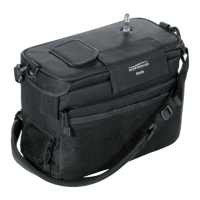
1. Replacethedeviceinthecarryingcase.Makesurethedisplaywillshow
throughthewindowonthecase.
2.Pushthethumbscrewthroughthemeshandintothescrewhole.
3.Usingyourngers,screwinthethumbscrewuntilitissecure.
4.Carefullyreplacethelter.
5.Closeandziptheltercompartmentonthesideofthecase.
* Warning: Do not attempt to remove the EverGo carrying case unless
instructed to do so by airport security offi cials during air travel. Do not
attempt to operate the EverGo without the carrying case. e EverGo
cannot be operated safely without it.
Traveling (continued)


 To Next Page