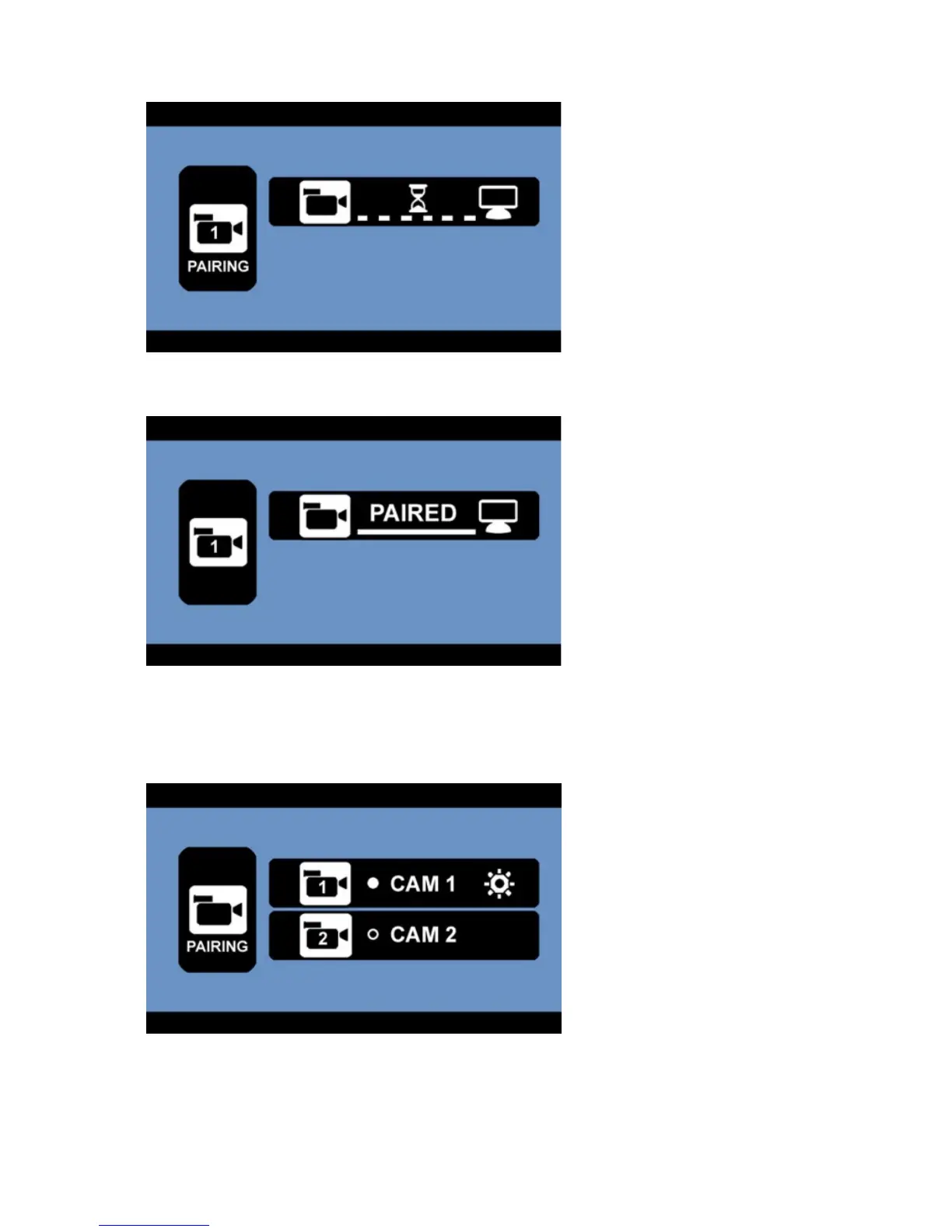
- The device is now ready to pair to the camera (example: CAM1). Now press the rubber button at
the bottom of the camera.
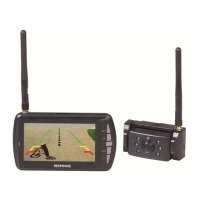
- The screen will show that the pairing has been successful.
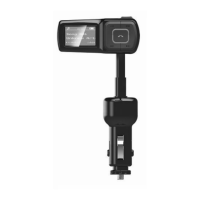
- Back in the pairing menu, a symbol will appear next to the paired cameras. The unit will now pair
automatically to the camera when powered on. If you have 2 cameras, please repeat the pairing
process as described. Press the MENU button to exit.


 To Next Page