Using the Setup Menu
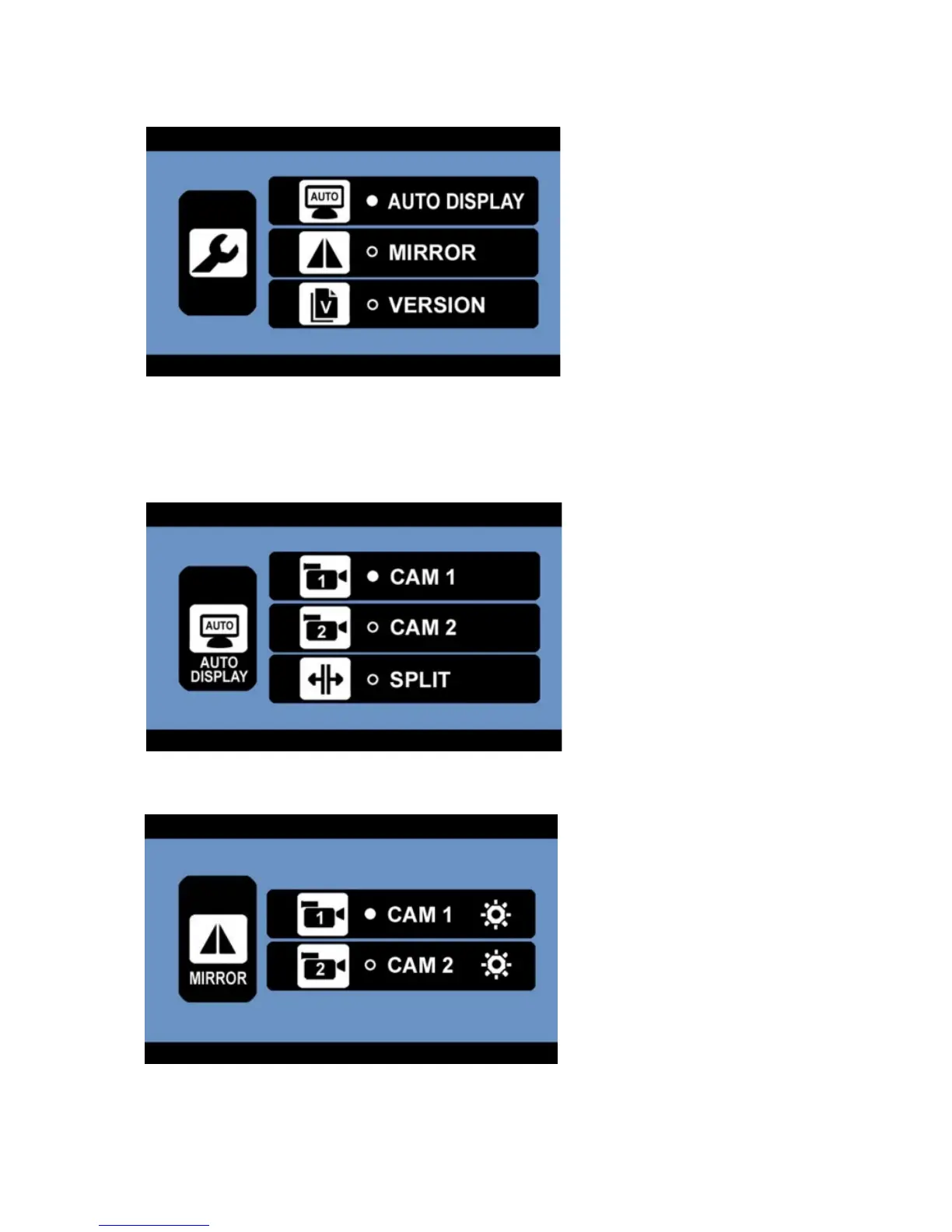
- Select the desired sub-menu with the UP/DOWN buttons and confirm with the OK button. The
respective functions of the sub-menus are being described below.
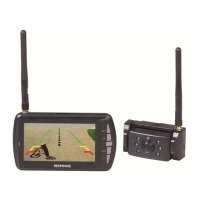
- Auto Display; this setting allows you to set your main view. The selected camera (CAM1 or CAM2)
will be displayed automatically when backing up. In order to show the picture of both cameras at
the same time, please SPLIT in the menu (only if both signals can be received – otherwise the
monitor will show the available picture in full screen).
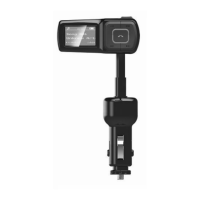
- Mirror; select CAM1 or CAM2 in order to mirror the displayed picture horizontally or vertically.


 To Next Page