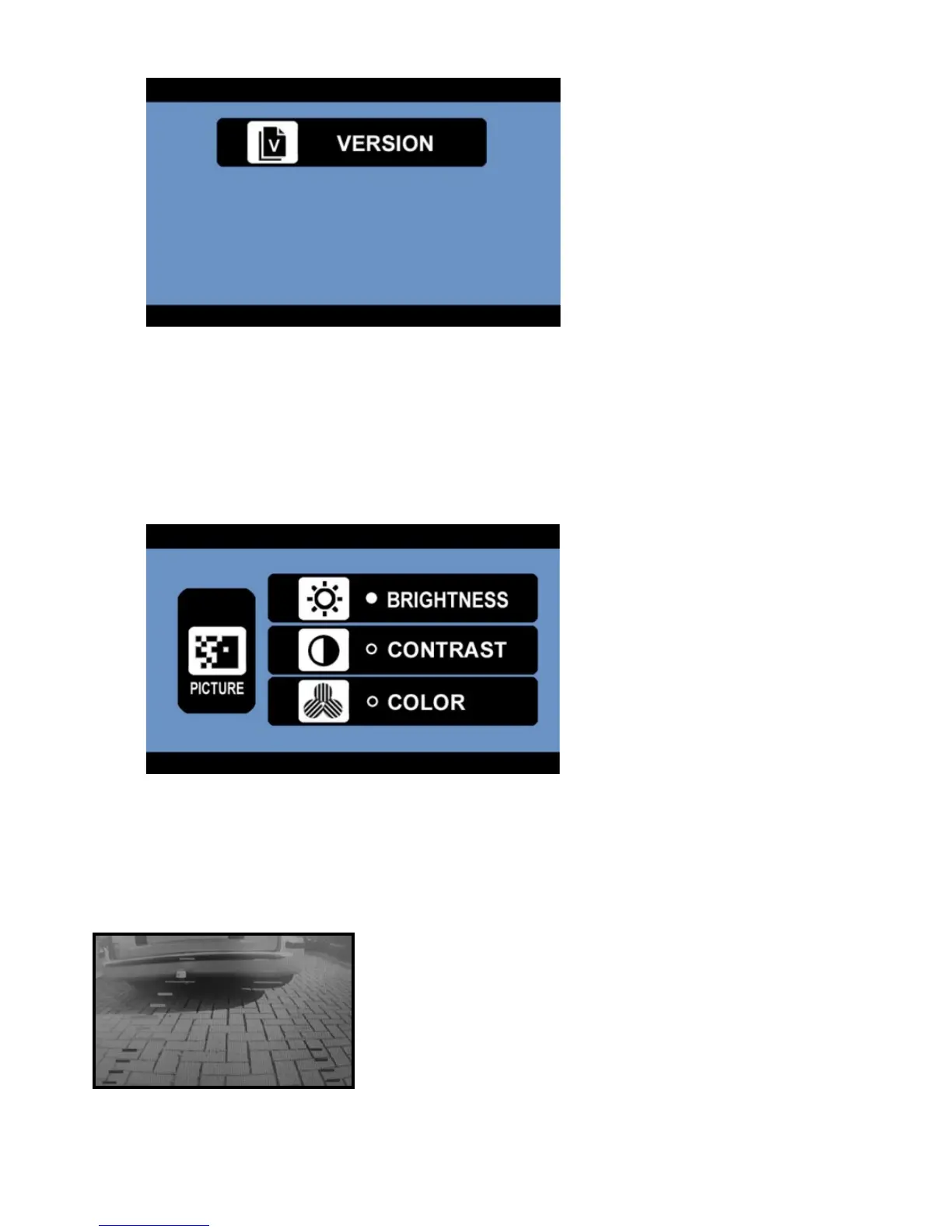
- Version; shows the software version of the monitor system.
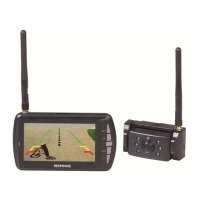
Using the Picture Menu
- After selecting the desired camera, you can adjust the brightness, contrast or colour of the
displayed picture. Choose the desired function with the UP/DOWN buttons, confirm by pressing the
OK button and change the values with the arrow buttons. Save the settings with the OK button and
exit the screen by pressing the MENU button.
Using the LINES button
This camera system has the option to show guidelines on the display. This may help you to visually
estimate the distances between objects and your car. By pressing the LINES button, you can switch this
option on and off.


 To Next Page