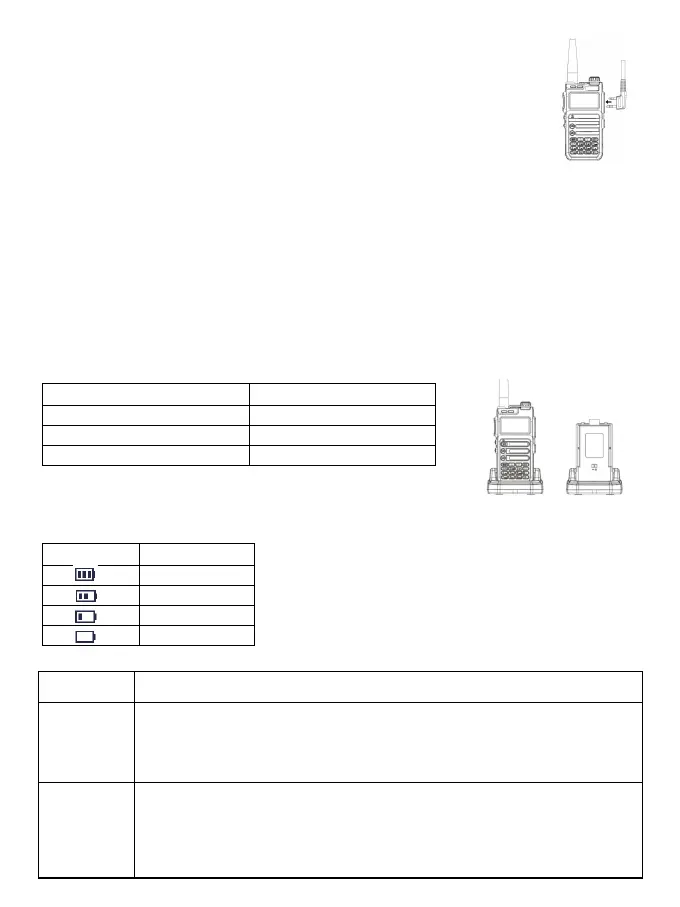
1.Open the earphone cover.
2.Insert the headphone plug into the headphone jack.
When you don't need to use the earphones, pull out the earphone plug from the earphone hole
and put on the earphone cover.
When the universal interface is not used, please put on the dust cover.
Do not shake the radio with the top of the antenna, otherwise it will reduce the working
performance and service life of the antenna.
Radio Charging
Note:
• Please use the charging equipment designated by our company to charge. When charging the whole device,
please turn off the radio first.
• According to the 2016 new requirements of the International Civil Aviation (IATA) "Technical Regulations for the
Safe Air Transport of Dangerous Goods", the state of charge of lithium-ion batteries (cells) for air transport shall
not exceed 30% of its rated capacity. Therefore, the first time the battery is used with the host, there will be a low
battery warning with the voice prompt "Please charge"phenomenon, please charge the battery before use.
When using the radio for the first time, a low battery alarm may appear. Please charge the battery before using,
follow the steps :
1. Insert the power adapter interface into the jack on the back of the charging base.
2. Insert the plug of the power adapter into the power socket.
3. Put the battery into the charging cradle.
4. Observe the LED indicator of the charging base to understand the current charging status, as shown in the
table below.
Check Battery Power
This function allows you to know the current battery voltage and remaining power.
Long press【0】key to display the current voltage.
The current battery level is displayed on the upper right of the screen, and the battery level icons are as follows:
Basic operation
Charing Base LED Indicator Current Charging Status
Red light flashing Lower battery voltage
Red light is on Charging
Green ligjt on Finished charging
Battery Icon Batter Power
High
Middle
Low
insufficient
Knobs, Switches,
Buttons
Instructions
Power/volume
Switch
Select Channel
Turn on/off: Turn the [Power/Volume Switch] knob clockwise to turn on the radio and adjust
the volume to the maximum.
• Turn the [Power/Volume Switch] knob counterclockwise to adjust the volume to the
minimum until the radio is turned off.
• If the voice broadcast function is turned on, the startup voice will be broadcast.
The channel is the aisle through which the signal is transmitted. After power on, press the
[V/M] key to switch to the channel mode, press [/] to select the channel, and the channel
number will be displayed on the right side of the screen.
• If the channel broadcast function is turned on, the intercom will broadcast the current
channel mode.
3



 To Next Page