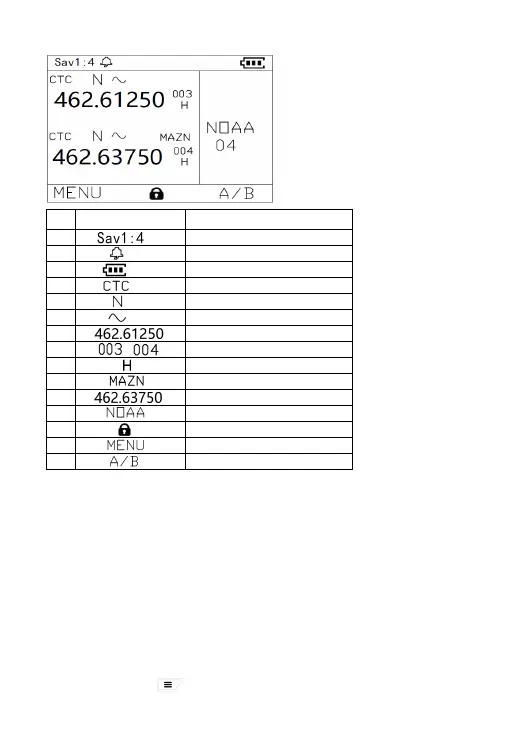
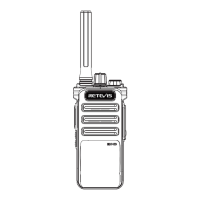
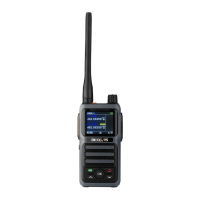
LCD Display
Basic Operations
1.Power On:
A: When the radio is off, turn the power/volume switch knob clockwise to power
on the walkie-talkie.
2.Power off:
A: In the power-on state, turn the power/volume switch knob counterclockwise to
power off.
3.Adjust the volume
A: When turned on, turn the power/volume switch knob clockwise to increase
the volume; turn the power/volume switch knob counterclockwise to decrease
the volume.
Functions and Operation
A:In standby, Press button into menu; LCD display shows menu
introduction and settings.
No. Icon Describe
1 Save Mode 1:4
2 KeyTone
3 Battery status
4 CTCSS/DCS
5 Narrow band
6 Companding function
7 A band working frequency
8 / Current Channel Number
9 High power
10 Current working Channel
11 B band working frequency
6 NOAA
7 Keypad Lockout
8 Menu
9 A/B band switch
3


 To Next Page