EasyManua.ls Logo

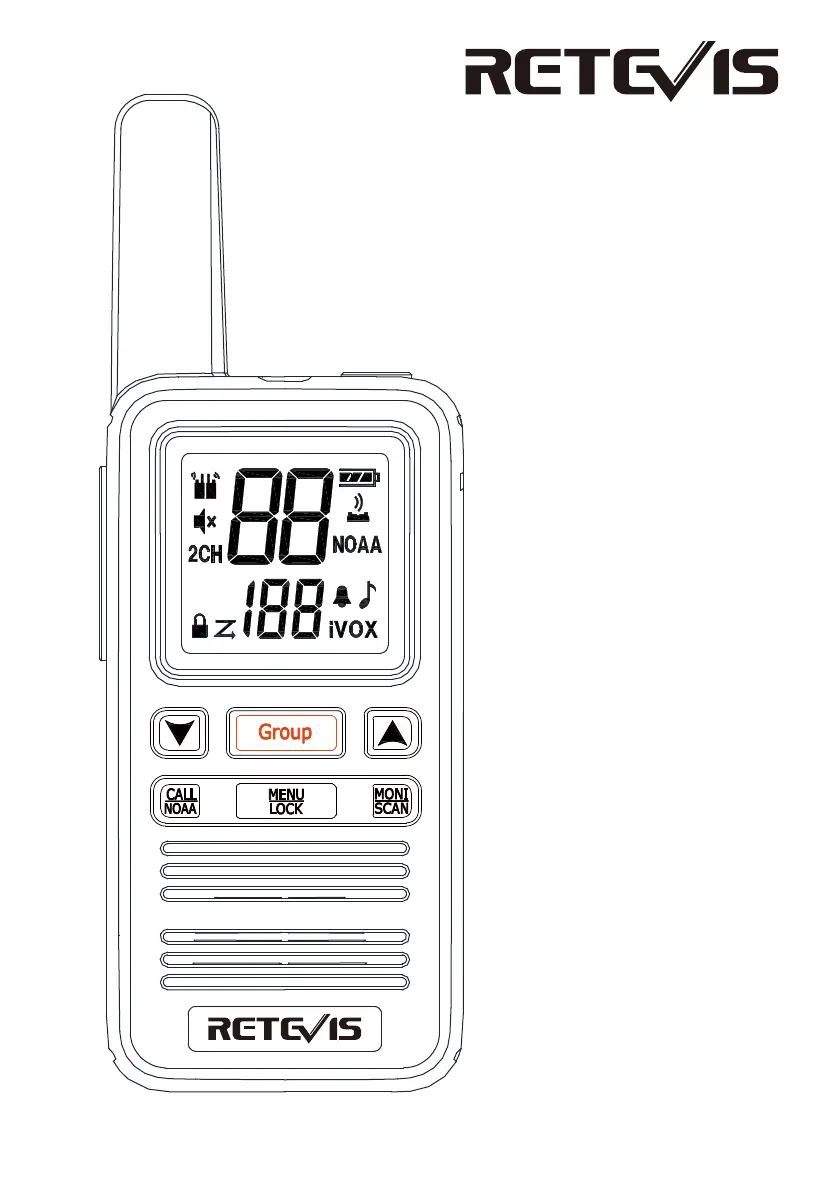
Retevis RB667 - User Manual

Retevis RB667
11 pages
Print Icon
To Next Page IconTo Next Page
Loading...
USER’S MANUAL
RB67

Questions and Answers

  • K
    Kayla AdkinsAug 10, 2025
    How to fix Retevis Two-Way Radio when I cannot chat with group members?
    • P
      pwilliamsAug 10, 2025
      To ensure seamless communication, verify that you're using the same frequency and CTCSS/DCS settings as other members of your group. Also, confirm that you are within the effective range of the other Retevis Two-Way Radios. Distance may prevent successful communication.
  • K
    Kevin HallAug 17, 2025
    What to do if other voices appear on my Retevis RB667 channel?
    • T
      thomascoxAug 17, 2025
      If you're hearing voices from individuals who are not part of your group on your Retevis Two-Way Radio, try changing your CTCSS/DCS settings. Make sure to update these settings on all the Two-Way Radios within your group to maintain consistent communication.
  • D
    Donald HurstAug 25, 2025
    Why Retevis RB667 has no power?
    • W
      wevansAug 26, 2025
      If your Retevis Two-Way Radio is not powering on, the battery pack may be exhausted. Try replacing or recharging the battery pack. If that doesn't work, remove the battery pack and reinstall it to ensure it's correctly connected.
  • B
    Brian RamirezSep 2, 2025
    Why Retevis RB667 battery power doesn't last long after charging?
    • M
      Michael MartinSep 2, 2025
      If the battery power of your Retevis Two-Way Radio doesn't last long after charging, the battery pack may have reached the end of its life. Consider replacing it with a new one to restore optimal performance.

Summary

Product Features and Setup

Accessories and Unboxing

Lists included accessories and guides users through the unboxing process.

Battery Charging and Status

Details how to charge the battery and interpret the battery level indicator.

Core Device Operations

Covers menu navigation, channel selection, CTCSS/DCS, VOX, and call tone settings.

Advanced Functions and Operation

CTCSS;DCS Codes

Lists the 50 standard CTCSS and 109 DCS codes for interference reduction.

Keyboard and Roger Beep

Instructions for enabling/disabling keyboard sounds and roger beep.

Transmit and Receive Basics

Guidelines for proper transmission and reception using the PTT button.

Battery Level and Maintenance

Details on battery power display, voltage levels, and maintenance recommendations.

Operational Guides and Troubleshooting

Scan and Monitor Functions

How to use the scan function to find active channels and monitor function for signal checks.

Group Call and Keyboard Lock

Procedure for group calls and locking the keypad to prevent accidental changes.

Weather Forecast (NOAA)

Instructions for accessing NOAA weather channels and setting up alerts.

Troubleshooting Common Issues

Solutions for common problems like no power, battery issues, and communication problems.

Safety, Compliance, and Settings

RF Exposure and Safety Guidelines

Important information on RF energy exposure and safe usage practices.

Radio License and Regulations

Notes on radio licensing, unauthorized modifications, and compliance with regulations.

FCC and CE Compliance

Statements regarding compliance with FCC and CE directives for radio operation.

Factory Default Settings

Lists the factory pre-set channels, frequencies, and power levels.

Retevis RB667 Specifications

General IconGeneral
BrandRetevis
ModelRB667
CategoryTwo-Way Radio
LanguageEnglish

Related product manuals