To set the Roger Beep.
● Press the MENU- button(12) six times. “rO” will be displayed.
● Press ▲ to enable (ON) or ▼ disable the Roger Beep (OF).
● Press the PTT - button(14) to confirm your selection and return
to the standby mode.
13.Button Lock
● Press and hold the MENU- button(12) for three seconds to
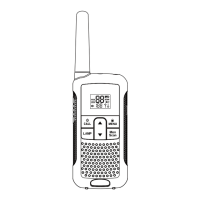
activate the Button lock mode. The button lock icon (a key near
the battery indicator) will be displayed on the LCD Screen.
● Press and hold the MENU- button(12) again for three seconds
deactivate button lock
Note:The PTT - button(14) , the CALL -button(9) and the on/off
button (13) will still be functional when the Button Lock is
activated.
14. Display back light
To activate the backlight of the LCD display, press any button
except the MENU- button(12).
The LCD backlight will light up for 5 seconds.
15. Battery saving function
When the device has not been used for 6 seconds, the economy
mode is automatically activated. This does not affect the reception
of transmissions and the standard mode is automatically reactivated
as soon as a signal is detected.
10



 To Next Page