Locator
bracket
Locator
bracket
Outer
axle nut
Training
wheel
assembly
Second axle
nut (do not
remove)
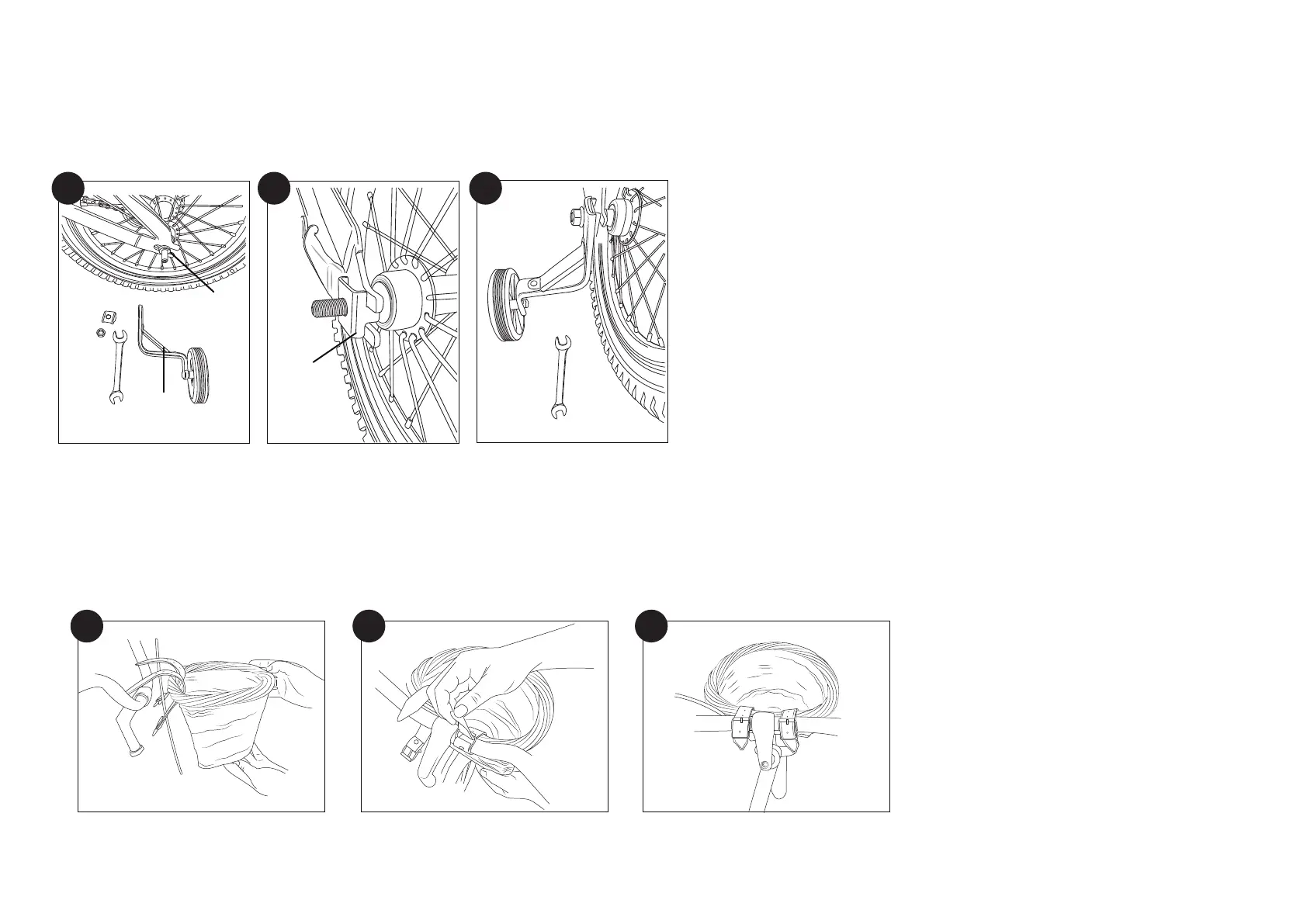
TRAINING WHEELS (OPTIONAL INSTALLATION)
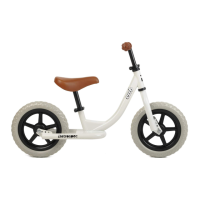
Beaumont Mini is packaged with training wheels. The wheels are installed on the mounting brackets from the factory. Install one side at a time. Use Multi-Wrench or 15mm open/box wrench.
Remove the outer 15mm axle nut, one each, left & right. Remove the outer nuts only (Fig. 21). The second axle nuts secure the wheel to the frame and are installed & adjusted from the factory. Install
locator bracket (Fig. 22).
Install Training Wheel Assembly, reinstall axle nut to secure (Fig. 23).
Repeat steps on the other side.
8
1.
2.
3.
21 22 23
FRONT BASKET
9
Loop the mounting straps into the basket slots from the bottom inward and over the basket rim (Fig. 24).
Loop over the handlebar on each side of the stem – pull tight and buckle-up same as any waist belt (Fig. 25).
Tuck the strap ends into the keeper loop (Fig. 26).
1.
2.
3.
24
25 26
5



 To Next Page