Page 36 of 89
©Retrotec 2017
Use the manual Speed Control Knob on the Fan Top. Increase the fan speed until a stable
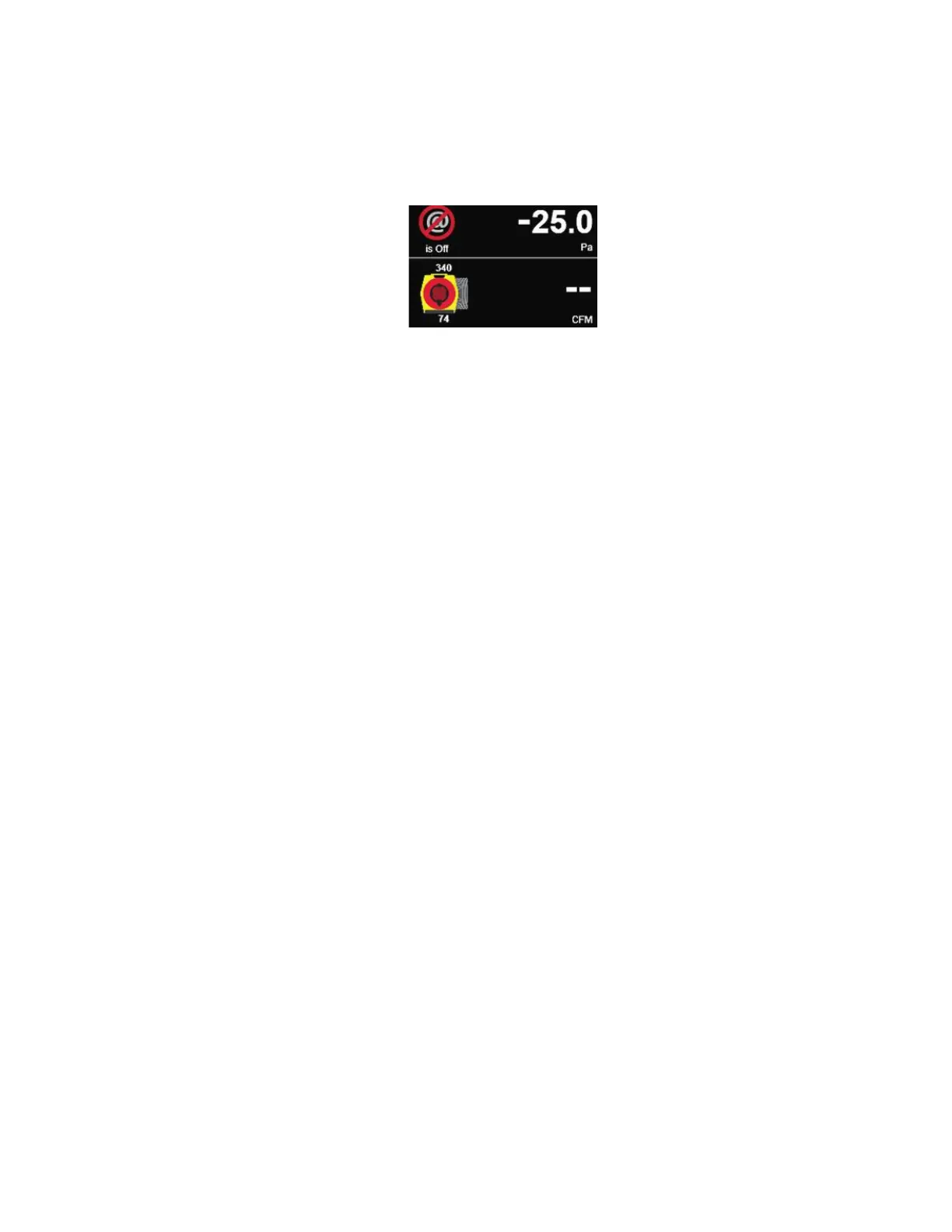
pressure of 25 Pa (or -25 Pa) is displayed for Duct Pressure (Channel A). Press [@] button
until “@ is ON” is displayed to view the results at exactly 25 Pa. If your standard requires
50 Pa, change the [Default @ Pressure] to 50 Pa from the [Settings] menu.
7. If "--" appears as the flow result, or the desired test pressure cannot be reached, change the Range
Configuration on the fan and on the gauge to match (see section 6.8).


 To Next Page