Disassembly, Assembly and Repair Instructions
26
3.7 Replacing the Fan
3.7.1 Required tools:
Hexagonal socket wrench A/F 7
Hex key A/F 2.5
3.7.2 Required spare parts:
05.402.0002 fan
05.742.0017 filter mat
3.7.3 Description of the procedure
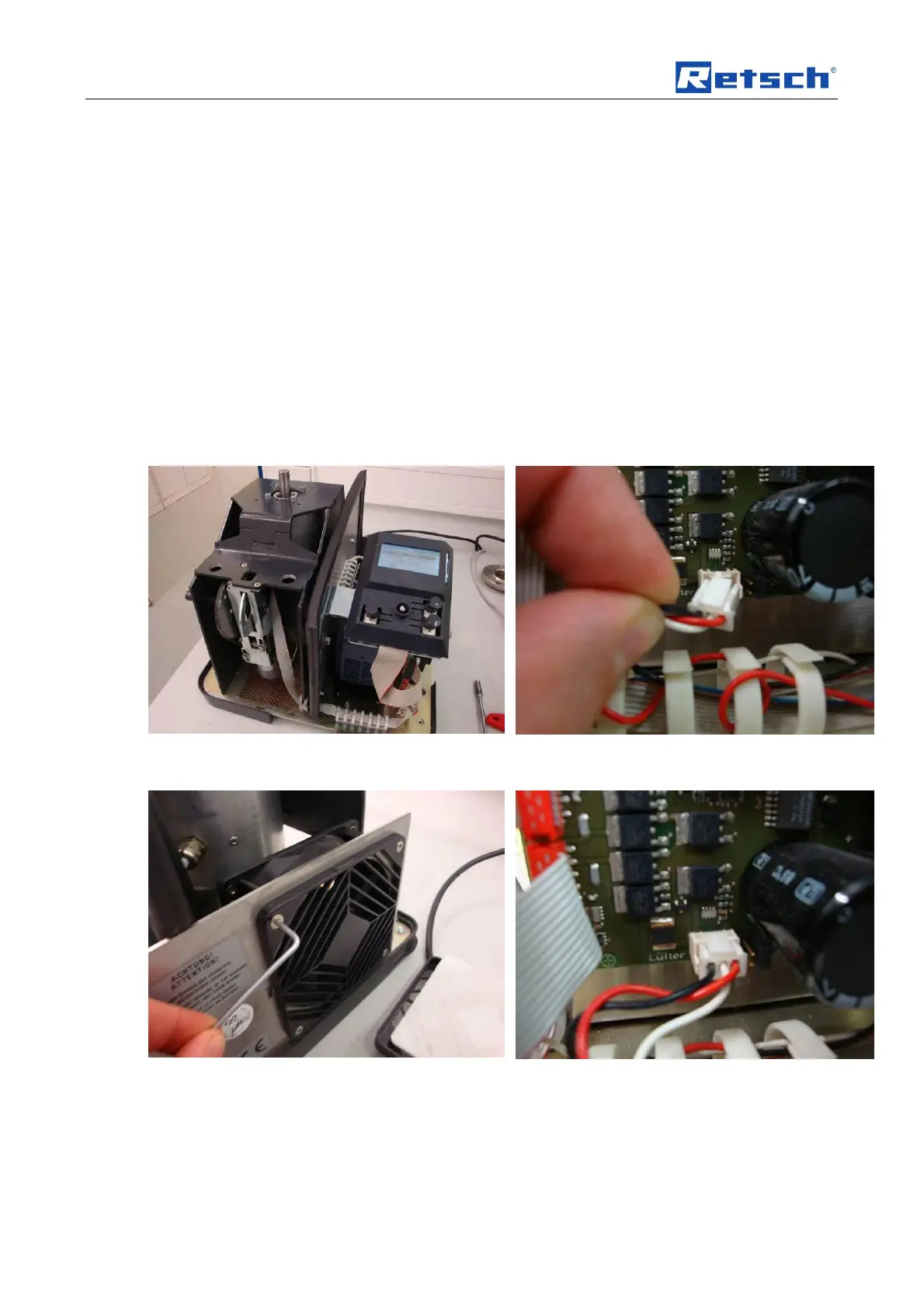
Disconnect the ZM 200 from the mains supply and
open the housing.
Pull the fan connector off the control PCB.
Remove the cover grid plate and filter and loosen
the socket-head cap screws. Replace the fan.
Connect the new fan to the control PCB.
Make sure the connector engages securely.


 To Next Page