14
English
Internet Radio Mode
AXiS’s Internet Radio mode is a fantastic
way to receive interesting broadcasts of
every imaginable type from all around
the World. It also allows you to listen to
podcasts, enabling you to catch up or
listen on demand to many broadcasts you
may have missed on their rst airing.
From AXiS’s home screen, click the
Internet Radio icon to start.
Getting Started...
The rst time you enter Internet Radio mode
(after you’ve successfully set up your internet
connection – see page 10), you’ll be taken
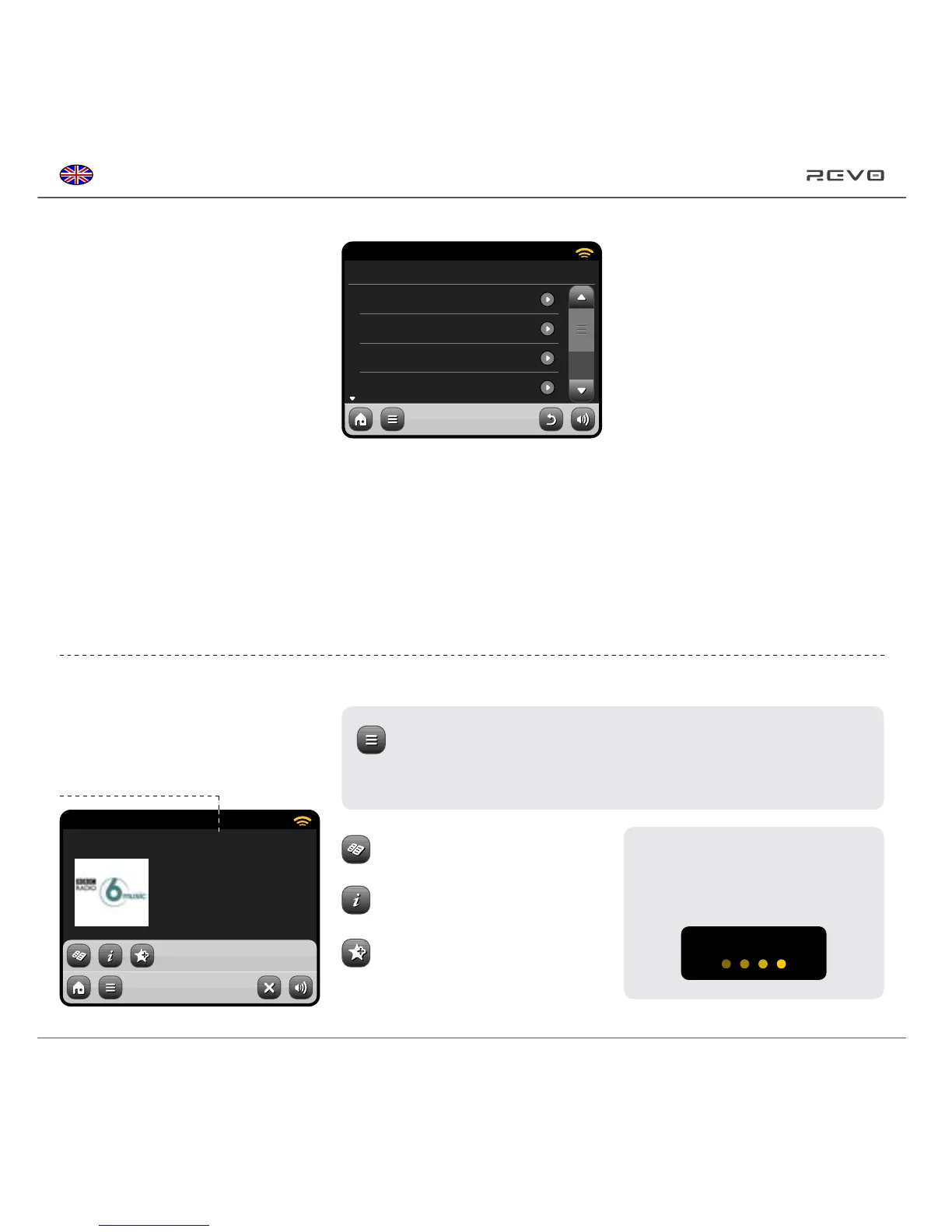
to the main Station Directory menu screen.
You’ll nd the following options on the
main Internet Radio Station List:
15:27 12 Oct 2009
BBC Radio 6 Music
Rock/Alternative/Variety
London United Kingdom
The BBC’s new digital radio
network featuring a rich music
mix of breaking talent, classic
artists and live performances
Internet Radio
15:27 12 Oct 2009
My Favourites
Local United Kingdom
BBC
Stations
Internet Radio
Station information, including name,
genre, location, logo and description
data where available from broadcaster.
View Technical Information
Add Current Station to Favourites
View Station Directory List
Main IR Playing Screen
My Favourites
Provides a quick route to access stations
which you select as favourites. For more
information on using favourites see page 16.
Local
A comprehensive list of all the internet
radio stations being broadcast from within
your country or geographical region.
BBC
A handy shortcut to all BBC stations.
Stations
The big list! Find thousands of stations
either by browsing categories such as
location, genre and popularity or by
searching for a station by name.
Podcasts
Find podcasts and “listen-again”
broadcasts by location, genre or
by searching for a name.
My Added Stations
Shows stations that you’ve personally
added to your station list by accessing
the Frontier Silicon Radio Portal.
See page 17 for more details.
Help
Find your AXiS’s access code.
The main contextual menu button in IR mode simply offers you two options:
Return to playing screen: Takes you back to the main station info screen.
Last Listened: Offers you a list of shortcuts to your recently accessed stations.
Buffering...
Depending on broadband connection
and network speeds, stations may
need to preload (buffer) for a few
seconds before playback starts.


 To Next Page