EasyManua.ls Logo

Revolabs Executive Elite 01-ELITEEXEC8 - Page 73

Revolabs Executive Elite 01-ELITEEXEC8
104 pages
Print Icon
To Next Page IconTo Next Page
To Previous Page IconTo Previous Page
Loading...
73
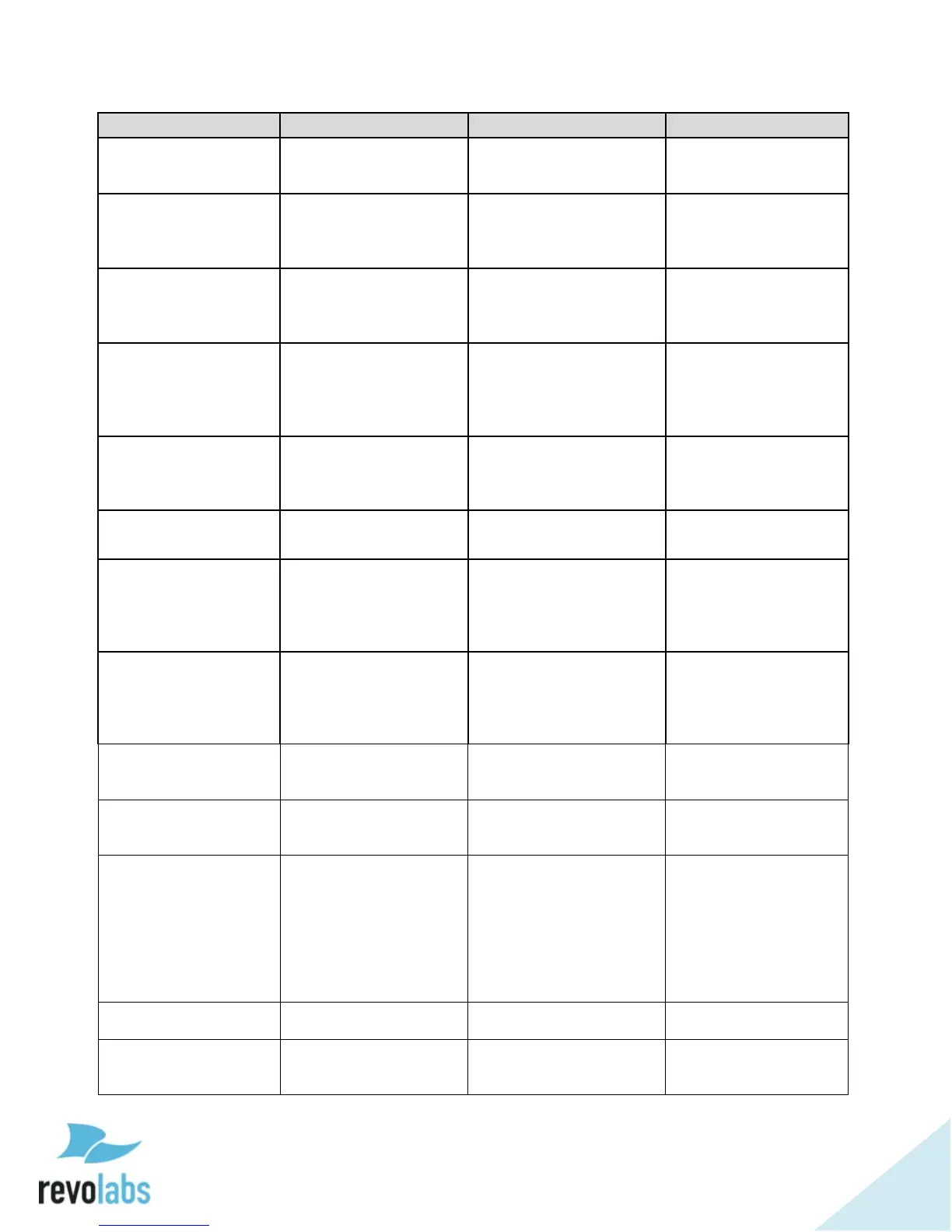
Property/Action
Command Format
Description
Response
preampgain
get preampgain ch
<channel number>
Retrieve the given
channel's preamp gain.
val preampgain ch
<channel number>
<preamp gain>
preampgain
set preampgain ch
<channel number>
<preamp gain>
Configure the given
channel's preamp gain,
preamp gain range -20
to 0 dB.
val preampgain ch
<channel number>
<preamp gain>
pushtotalk
get pushtotalk <group
name>
Retrieve group push to
talk setting value,
1 - push to talk set,
0 - not set.
val pushtotalk
<group name> <0/1>
pushtotalk
set pushtotalk <group
name> <0/1/2>
Configure group push
to talk setting,
1 - push to talk set,
0 - not set,
2 - toggle.
val pushtotalk
<group name>
<0/1/2>
pushtotalkmic
get pushtotalkmic ch
<channel number>
Retrieve microphone's
push to talk state.
1 - push to talk set,
0 - not set.
val pushtotalkmic ch
<channel> <0/1>
shutdownmic
shutdownmic ch
<channel number>
Power the microphone
off.
shutdownmic ch
<channel number>
tabletopmutegroup
get
tabletopmutegroup
<group name>
Retrieve the given
group's tabletop mute
state,
0 - not tabletop mute,
1 - tabletop mute.
val
tabletopmutegroup
<group name> <0/1>
tabletopmutegroup
set
tabletopmutegroup
<group name> <0/1>
Configure the given
group's tabletop mute
state,
0 - not tabletop mute,
1 - tabletop mute.
val
tabletopmutegroup
<group name> <0/1>
batt
get batt ch <channel
number>
Retrieve battery status
for mic in specified
channel.
val batt ch <channel
number><1/2/3/4>
fp
set fp <0/1>
Set front panel display
lock on or off;
0 - Off, 1 On
val fp <0/1>
gain
set gain ch <channel
number> <0/1/2/80-
120>
Configure input gain,
values 80 - 100 set the
gain from -20 to 0 dB
values 101 120 will
all set the gain 0 dB
1 - modify gain by +1,
2 - modify gain by -1,
0 - set gain to 0
val gain ch <channel
number>
<0/1/2/80-120>
gain
get gain ch <channel
number>
Retrieve input gain for
specified channel.
val gain ch <channel
number><80-120>
lock
set lock ch <channel
number> <0/1>
Turns Mic Lock on or
off;
0 - Off, 1 - On
val lock ch <channel
number> <0/1>

Table of Contents

Related product manuals